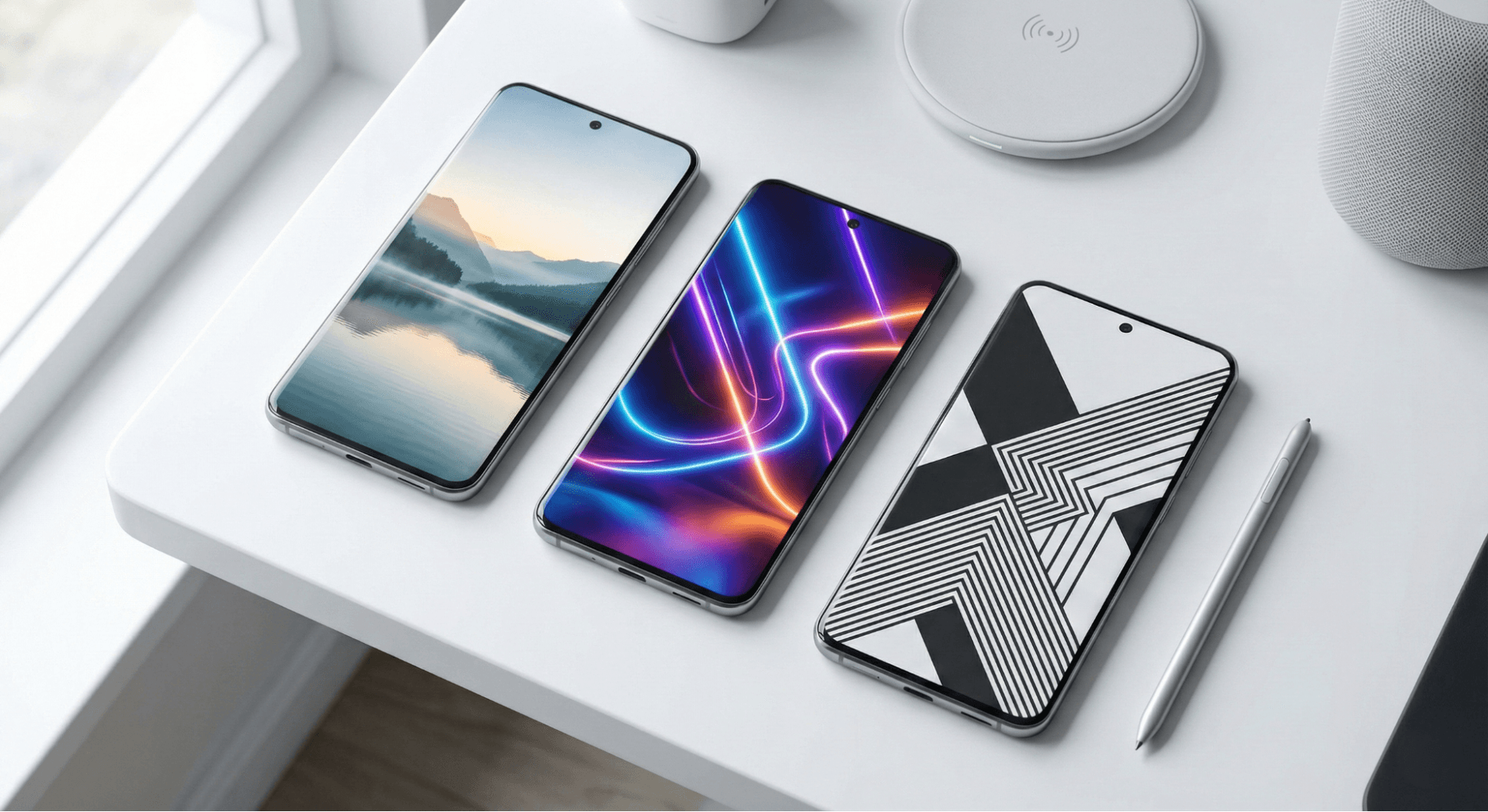
In 2026, our digital devices are more than just tools; they are extensions of our personality. Whether you are rocking the latest foldable Android or the newest iPhone, the wallpaper you choose sets the tone for your entire digital experience. It is the first thing you see when you wake up and the background to your productivity throughout the day.
For designers, creatives, and aesthetic enthusiasts, a stock wallpaper simply doesn't cut it anymore. The demand for high-fidelity, visually stunning, and battery-efficient backgrounds has never been higher. With the rise of AI-generated art and ultra-high-density OLED screens, the wallpaper apps of 2026 have evolved to offer immersive visual experiences rather than just static images.
Below, we have curated the 7 best wallpaper apps in 2026 that deliver quality, creativity, and functionality for every type of user.
1. Wallpezia: Curated Wallpaper Inspiration Platform
Best For: Users who want curated, modern wallpaper inspiration with a clean browsing experience.
In the crowded landscape of customization apps, Wallpezia serves as a refined destination for visual discovery. Rather than overwhelming users with endless, unmoderated uploads, it functions as a curated gallery where visual clarity and modern aesthetics take precedence. It connects users with trending styles and high-quality imagery suitable for both desktop and mobile layouts.
Key Highlights:
- Curated Collections: Hand-picked selections ensuring high aesthetic standards.
- Style Discovery: A focus on trending themes like minimal, abstract, and nature.
- Clean Interface: Distraction-free browsing designed for quick inspiration.
- Cross-Platform Inspiration: Ideas suitable for both Android and iOS aesthetics.
Who Should Use It: Design enthusiasts and users looking for a starting point to refresh their digital environment without sifting through clutter.
2. Zedge: The All-in-One Customization Giant
Best For: Users who want everything (Wallpapers, Ringtones, AI Art) in one place.
Zedge has been a household name for over a decade, and in 2026, it remains the undisputed king of versatility. It is not just a wallpaper app; it is a complete personalization ecosystem. Recently, Zedge has integrated robust AI tools, allowing users to generate unique backgrounds simply by typing a prompt, keeping it ahead of the curve.
Key Features:
- Massive Library: Millions of free wallpapers, live wallpapers, ringtones, and notification sounds.
- AI Generator: Create custom wallpapers using built-in AI tools ("pAInt").
- Video Wallpapers: A vast selection of dynamic backgrounds that do not drain excessive battery.
- NFT Integration: Buy and sell digital art directly within the app.
Quick Specs:
- Categories: Anime, Games, Abstract, AI Art, Nature, Minimal.
- Platform: Android & iOS.
- Price: Free (Ad-supported) / Premium subscription removes ads.
Pros & Cons:
- Pros: Huge variety; one-stop-shop for phone customization; easy search functionality.
- Cons: The free version is heavy on ads; quality can be inconsistent due to user uploads.
Who Should Use It: Casual users who want to customize their ringtones and wallpapers simultaneously without jumping between apps.
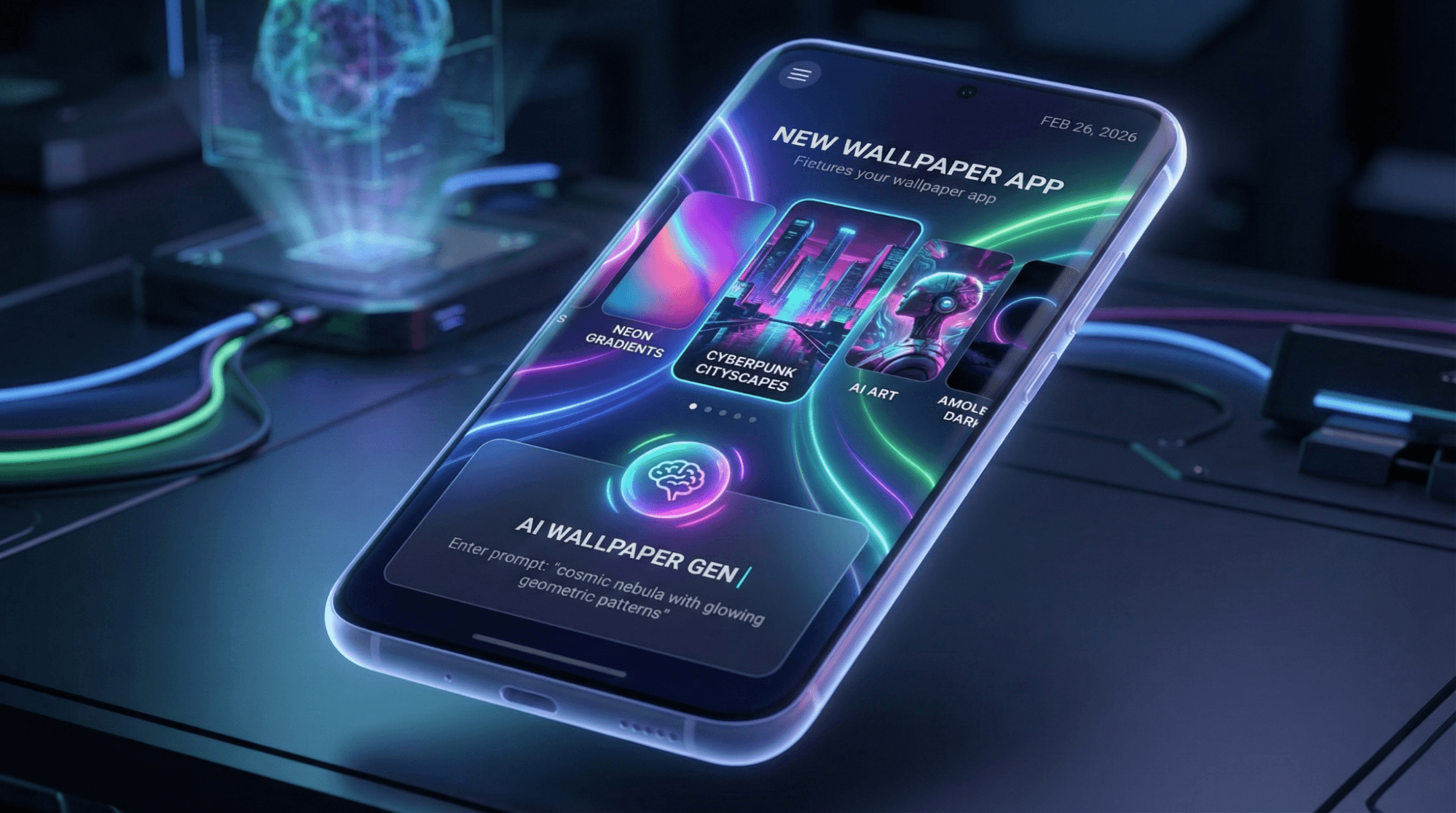
3. Backdrops: The Designer’s Choice
Best For: Minimalists and those seeking exclusive, high-quality vector art.
If you are tired of seeing the same recycled photos across the internet, Backdrops is your solution. The app focuses on quality over quantity, featuring hundreds of original wallpapers created by the Backdrops team. In 2026, it remains a favorite among tech reviewers and designers for its clean material design interface and "Wall of the Day" feature.
Key Features:
- Exclusive Content: "Explore" tab features wallpapers you won't find anywhere else.
- Community Tab: High-quality photography and art uploaded by approved users.
- Sync: Sign in to sync your favorites across multiple devices.
- Pro Version: Unlocks the 'Pro' pack and enables offline saving.
Quick Specs:
- Categories: Minimal, Geometric, Abstract, Scenery, Pattern.
- Platform: Android & iOS.
- Price: Free / One-time Pro purchase.
Pros & Cons:
- Pros: incredibly high-resolution; original art; distinct aesthetic; very clean UI.
- Cons: Smaller library compared to Zedge; update frequency can vary.
Who Should Use It: Users who appreciate flat design, minimalism, and digital vector art. If you are looking for zero-cost resources, you might also like our guide on Best Free Wallpapers for Designers.
4. Vellum: The Aesthetic Perfectionist
Best For: iPhone users and those who love curated, artistic photography.
Vellum has long been the gold standard for iOS wallpapers, and its curated approach holds strong in 2026. Unlike other apps that overwhelm you with choices, Vellum presents "Packs" of cohesive themes. It also features a built-in blur tool, which allows you to turn any busy image into a soft, gradient background—perfect for making your home screen icons pop.
Key Features:
- Curated Packs: Thematically organized collections (e.g., "Earth," "Abstract," "OLED").
- Blur Tool: Easily adjust the blur radius of any wallpaper for better legibility.
- Daily Wallpaper: A new, premium wallpaper featured every day.
- Preview Mode: See how the wallpaper looks on Lock vs. Home screen instantly.
Quick Specs:
- Categories: Earth, Drone Shots, Abstract, Black & White.
- Platform: iOS (Primary) / Android.
- Price: Free (Ad-supported) / Premium pass.
Pros & Cons:
- Pros: stunning curation; high aesthetic value; excellent blur feature.
- Cons: Updates to packs can be slow; Android version sometimes lags behind iOS features.
Who Should Use It: Users who view their phone as a fashion accessory and want a polished, artistic look.
5. Walli: The Ethical Artist Community
Best For: Supporting independent artists and finding unique illustrations.
Walli separates itself from the pack by treating wallpapers as art. Instead of scraping images from the web, Walli recruits a select group of artists from around the world. When you use the app, you are directly supporting the creators, as Walli shares its revenue with them. In 2026, this model has attracted some of the best digital illustrators in the industry.
Key Features:
- Artist Profiles: Follow your favorite illustrators and get notified of new uploads.
- Playlist Feature: Select multiple wallpapers that automatically cycle on your home screen.
- Diverse Styles: From classNameic oil painting styles to modern cyberpunk glitch art.
Quick Specs:
- Categories: Illustration, Anime, Typography, Retro, Dope.
- Platform: Android & iOS.
- Price: Free / In-app purchases to support artists.
Pros & Cons:
- Pros: Unique content not found on stock sites; ethical revenue model; playlist feature is great for indecisive users.
- Cons: Not the best place for standard nature photography.
Who Should Use It: Creatives who value originality. If you are an aspiring creative yourself, you might wonder What Does a Designer Do? A Comprehensive Guide to Roles, Responsibilities, and Skills.
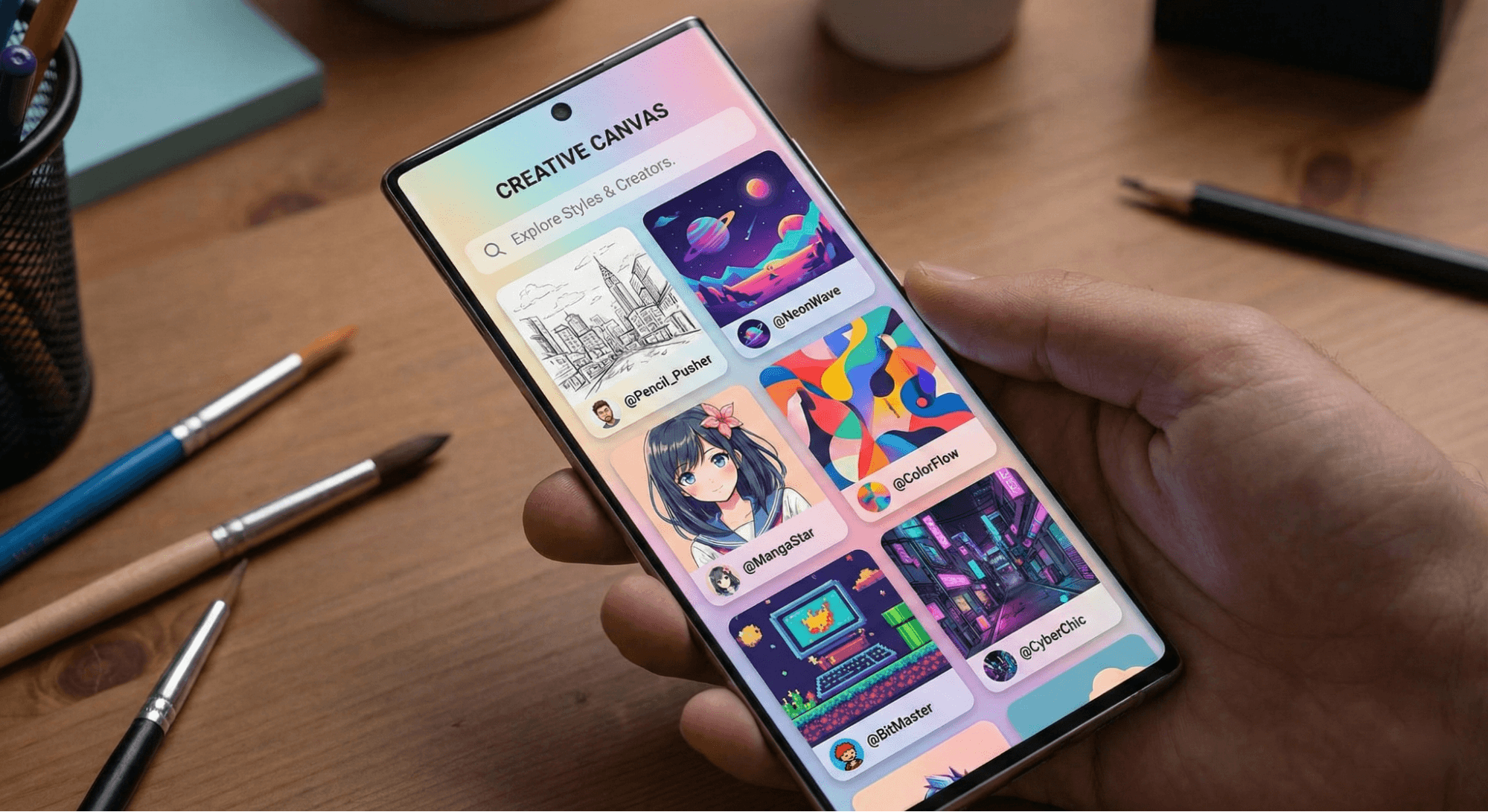
6. Abstruct: The 4K Abstract Master
Best For: OnePlus fans and lovers of vibrant, 4K abstract art.
Created by Hampus Olsson, the award-winning artist behind the official wallpapers for OnePlus devices, Abstruct is a visual treat. In 2026, screens have higher pixel densities than ever, and Abstruct takes full advantage of this. Every wallpaper is available in 4K resolution, ensuring crispness on even the largest flagship phones.
Key Features:
- Paranoid Android: Includes official wallpapers from the Paranoid Android ROM.
- Real-Time Rendering: Some wallpapers are generated in real-time for unique effects.
- 4K Standard: No low-res upscaled images; everything is native 4K.
- Shift: A feature that automatically changes your wallpaper periodically.
Quick Specs:
- Categories: Abstract, Vibrance, Void, Poly, Blend.
- Platform: Android (Primary) / iOS.
- Price: Free / Pro version unlocks all collections.
Pros & Cons:
- Pros: Incredible 4K quality; vibrant colors perfect for OLED; lightweight app.
- Cons: Limited to abstract styles (no photos or landscapes).
Who Should Use It: Tech enthusiasts with high-res displays who want to show off their screen's color accuracy. To ensure you are getting the best quality from other sources too, learn How to Download High-Resolution Wallpapers Safely from Popular Wallpaper Sites?
7. Resplash: The Photography Powerhouse
Best For: Real-world photography, architecture, and nature lovers.
Powered by Unsplash.com, Resplash brings the internet’s best royalty-free photography to your mobile device. While other apps focus on computer-generated graphics, Resplash is all about capturing the real world. From moody rainy city streets to vast mountain ranges, the quality of photography here is unmatched.
Key Features:
- Unsplash API: Access to over 1 million high-res photos.
- Auto-Wallpaper: Set conditions to automatically refresh your background with new photos daily.
- Minimal UI: The app gets out of the way to let the photos shine.
- Dark Mode: Fully supported system-wide dark theme.
Quick Specs:
- Categories: Travel, Architecture, Nature, Textures, Street Photography.
- Platform: Android (Unsplash app available on iOS).
- Price: Free (Open Source).
Pros & Cons:
- Pros: Completely free; no ads; highest quality photography available.
- Cons: No vector or digital art; search requires specific keywords for best results.
Who Should Use It: Photographers and nature lovers who want a window to the world on their home screen.
Usability & Design Tips for 2026
Choosing a wallpaper isn't just about picking a pretty picture. In 2026, device optimization is key.
1. Resolution Matters
With most flagship phones now sporting QHD+ and 4K displays, a 1080p image will look blurry. Always opt for "4K" or "UHD" tags in these apps.
- Tip: If you find a great image that is slightly blurry, try using an AI upscaler, but starting with a high-res source like Abstruct is always better.
2. Battery Life & OLED
If your phone has an AMOLED or OLED screen (which most do in 2026), using a wallpaper with deep blacks can actually save battery. Pixels on an OLED screen turn off completely when displaying true black.
- Recommendation: Apps like Vellum and Backdrops have dedicated "AMOLED" or "Dark" categories specifically for this purpose.
3. Static vs. Live Wallpapers
Live wallpapers are stunning, but they consume CPU and GPU cycles.
- Design Tip: Use live wallpapers on your Lock Screen for a quick visual delight, but keep a static, high-contrast image on your Home Screen to improve text legibility and save battery. If you prefer native settings over apps, check out Steps to Customize Wallpapers on Popular Operating Systems Without Third-Party Apps.
Conclusion
The wallpaper apps of 2026 have matured into powerful tools for self-expression.
- For Inspiration: Wallpezia offers curated, modern aesthetics.
- For the Artist: Walli connects you with a global community of talent.
- For the Minimalist: Backdrops provides the clean lines you crave.
- For the Photographer: Resplash offers a daily dose of reality.
- For the Power User: Zedge remains the ultimate utility belt.
Your wallpaper is the digital environment you live in every day. Don't settle for the default settings—explore these apps and find a visual that inspires you.
Explore more design tips and customization guides at Wallpezia.