In Pakistan, our phones are rarely silent. Whether it’s the soulful melody of a latest drama OST, a trending pop hit, or a beautiful Naat, your ringtone says a lot about your personality. While many users search for "download free ringtones," the smartest way to get a unique sound is actually to create it yourself using free apps.
Why settle for a generic "Nokia tune" or a low-quality clip when you can turn your favorite MP3s into crisp, professional ringtones? Whether you are using an Android (Samsung, Xiaomi, Infinix) or an iPhone, this guide will show you the best apps to download and use for creating the perfect ringtone.
Method 1: Best Apps to Create Ringtones on Android
For Android users in Pakistan, the Google Play Store is full of "Ringtone Maker" apps. These are often safer and better than direct "downloader" apps because they let you use high-quality songs you already own.
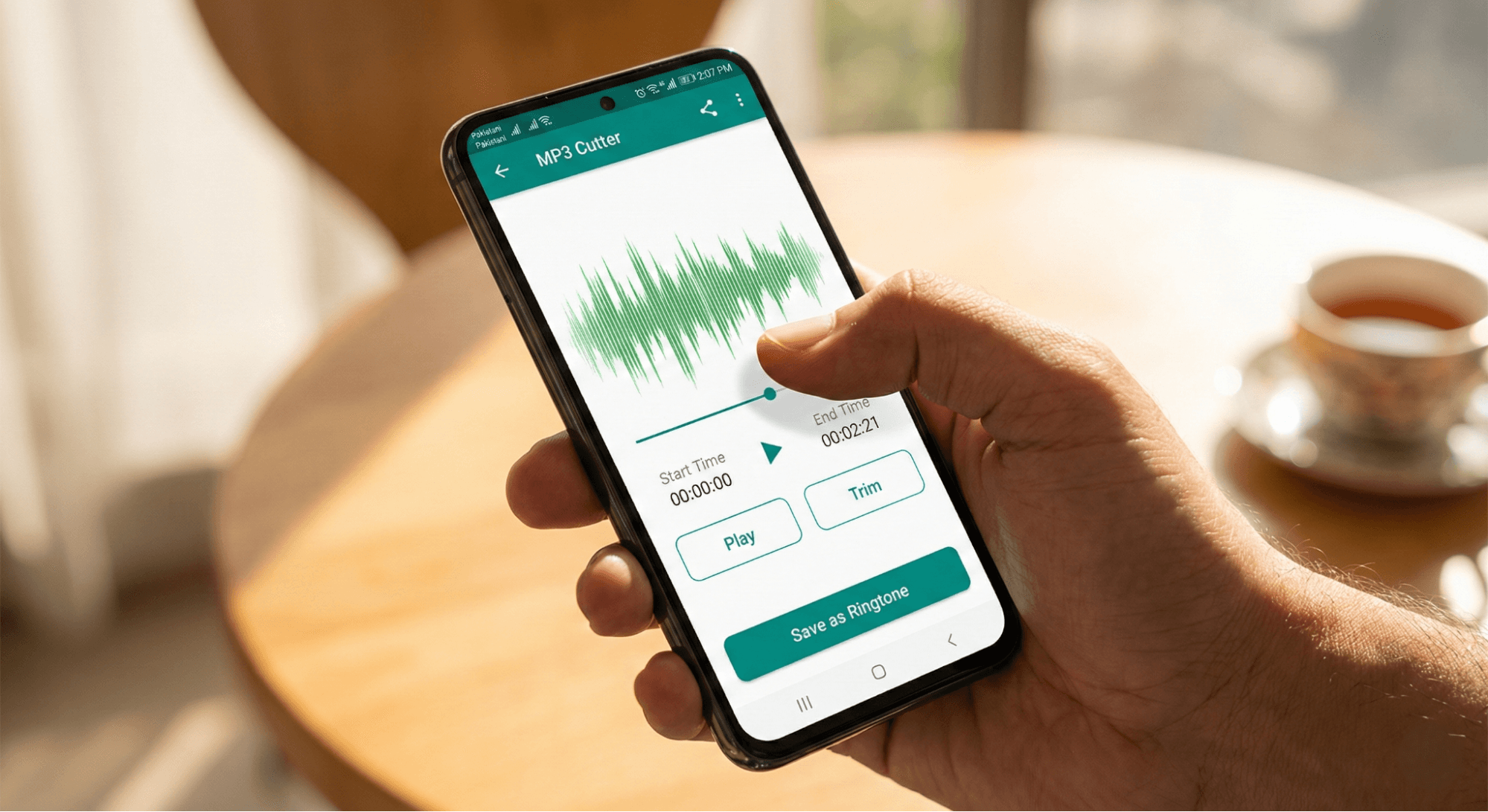
The Best App: MP3 Cutter and Ringtone Maker
Instead of downloading a random clip, download a Ringtone Maker app. These tools allow you to take a full song and slice out the exact 30 seconds you want—like the chorus or a beat drop.
Step-by-Step Guide:
- Download the App: Open the Google Play Store and search for "MP3 Cutter and Ringtone Maker". Choose a highly-rated, free app (look for 4+ stars).
- Select Your Audio: Open the app and tap "Cut a Ringtone" or "Trim Audio." Allow storage permissions so the app can see your songs.
- Choose Your Song: Pick any MP3 file from your storage (e.g., a downloaded OST or Naat).
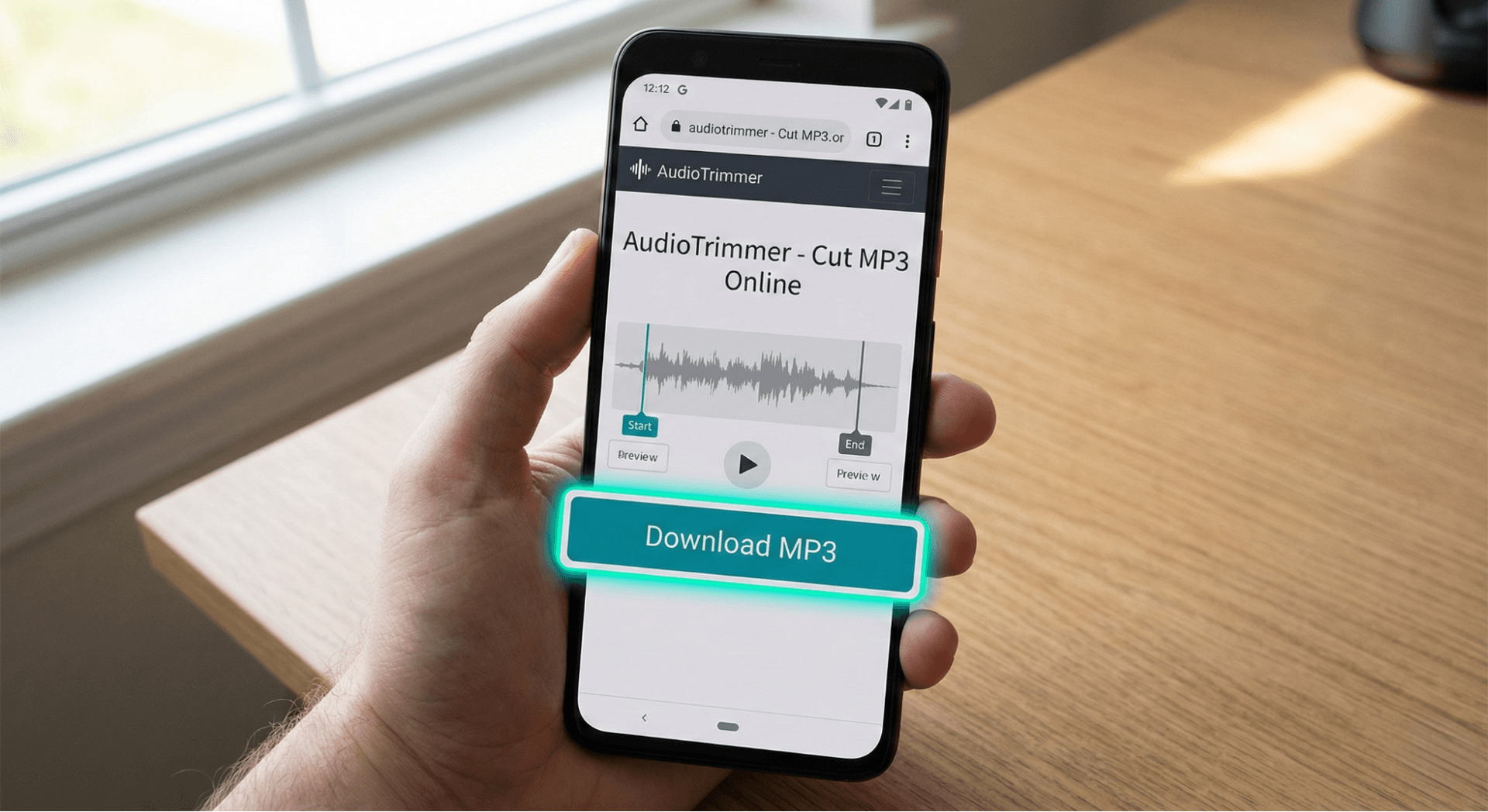
- Trim the Clip: You will see a sound wave. Drag the Start and End sliders to highlight the best part.
- Tip: Keep it between 20–30 seconds for the best loop.
- Save & Set: Tap the Save icon. Select "Make Default Ringtone" directly from the app menu.
Why this is better: You get high-quality audio (no grainy sounds) and you choose the exact starting point.
Method 2: Step-by-Step iPhone Guide (GarageBand)
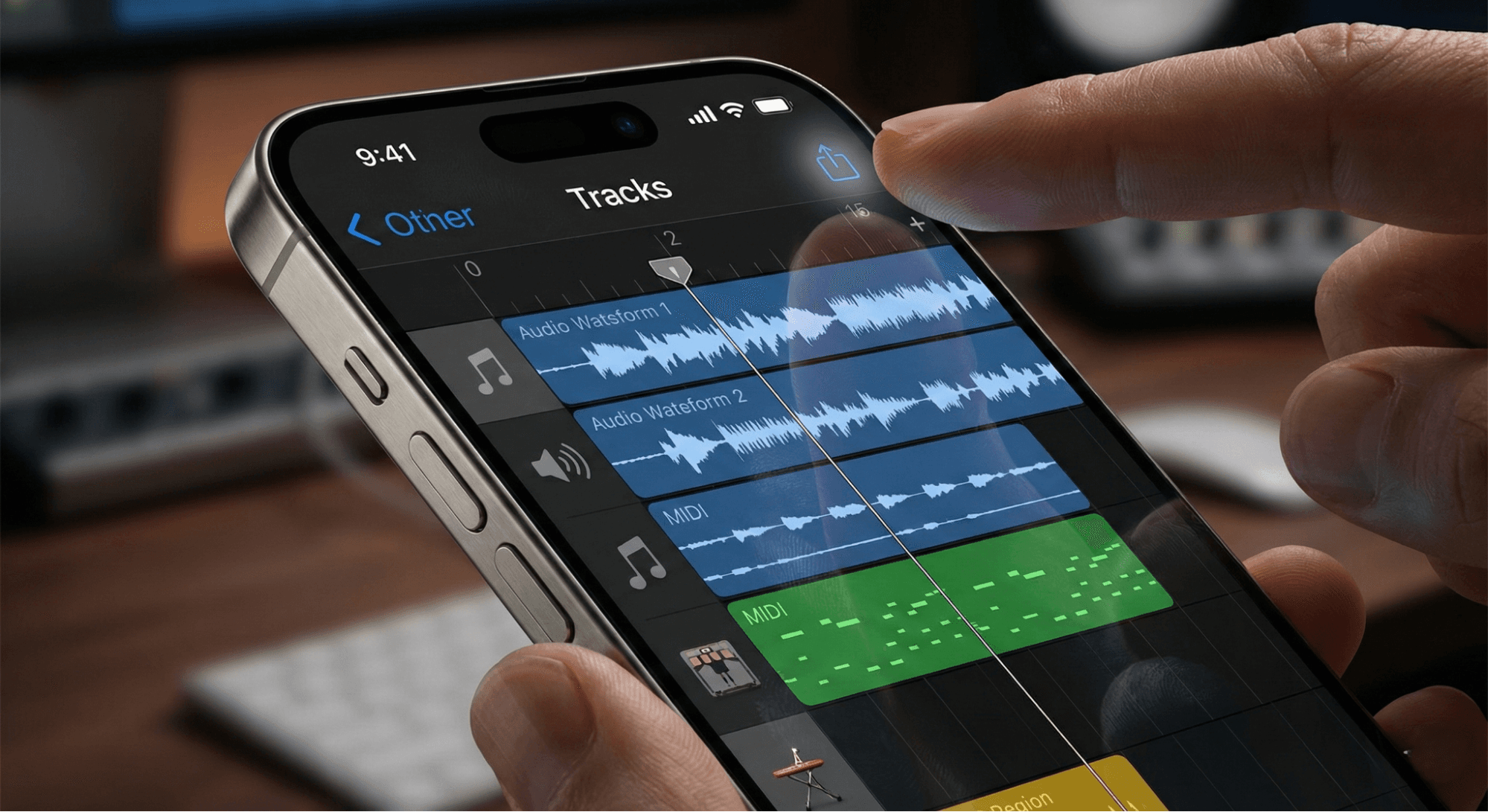
iPhone users often struggle because Apple doesn't allow simple MP3 setting. However, you don't need a computer. The best "app" for this is already from Apple: GarageBand.
How to use GarageBand for Ringtones:
- Prepare File: Save your desired song/audio to the iPhone Files App (not just Apple Music).
- Open Audio Recorder: Launch GarageBand, swipe to Audio Recorder, and tap it.
- Switch Views: Tap the Tracks View icon (looks like brick lines) in the top left. Turn off the metronome (blue triangle) to stop the clicking sound.
- Import Song: Tap the Loop Icon (top right) > Files tab. Drag and drop your song onto the timeline.
- Trim & Export:
- Shorten the clip to under 30 seconds.
- Tap the down arrow (top left) > My Songs.
- Long-press your project file > Share > Ringtone.
- Set It: Name it and tap Export > Use sound as Standard Ringtone.
Method 3: Online Tools for Both Devices (No App Needed)
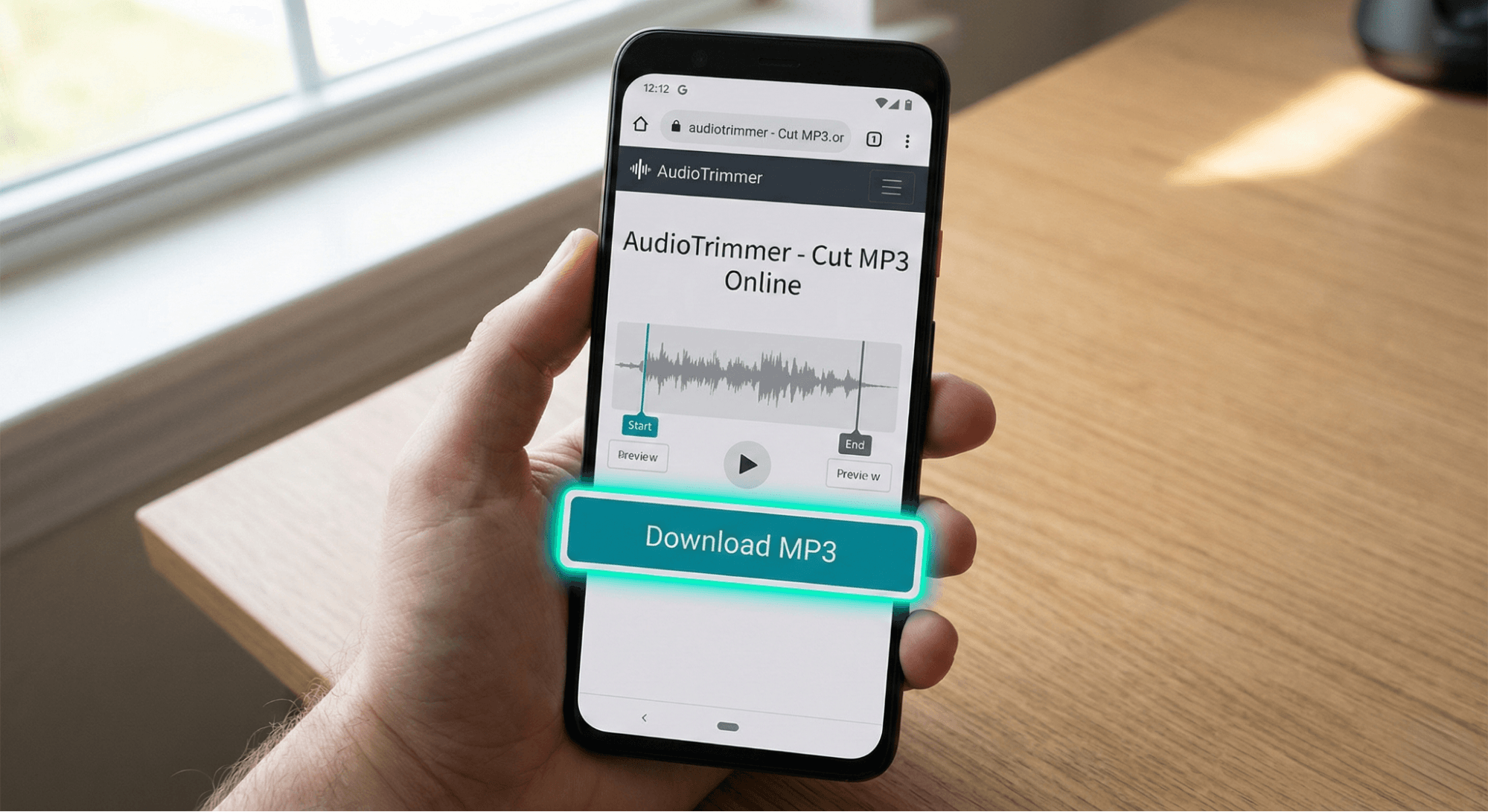
If you have low storage space and don't want to download new apps, online cutters are the best lightweight solution.
- Open Chrome or Safari on your mobile.
- Search for a trusted "Online Audio Cutter".
- Upload your song file directly from your phone gallery.
- Select the start and end times for your ringtone.
- Format Selection (Crucial):
- Choose MP3 for Android.
- Choose M4R for iPhone.
- Download: Save the file to your device and set it via Settings (Android) or GarageBand (iPhone).
Practical Tips & Safety Advice
To ensure your phone customization is safe and sounds professional, keep these points in mind.
- File Formats Matter: Android phones need MP3 files. iPhones strictly require M4R files.
- Copyright Awareness: Whether you use a drama OST or a pop song, remember that creating ringtones is for personal use only. Do not sell or distribute them.
- Permissions: When downloading "Free Ringtone Apps" in Pakistan, be careful if an app asks for unrelated permissions (like Camera or Contacts). Only grant Storage/Audio access.
- Complete the Look: A great ringtone deserves a great screen. If you are customizing your phone, check out the How to Download High-Resolution Wallpapers Safely from Popular Wallpaper Sites? to match your new sound with a fresh look.
- Source Quality: Always start with a high-bitrate audio file (192kbps+). Cutting a low-quality file results in a fuzzy, distorted ringtone.
Conclusion
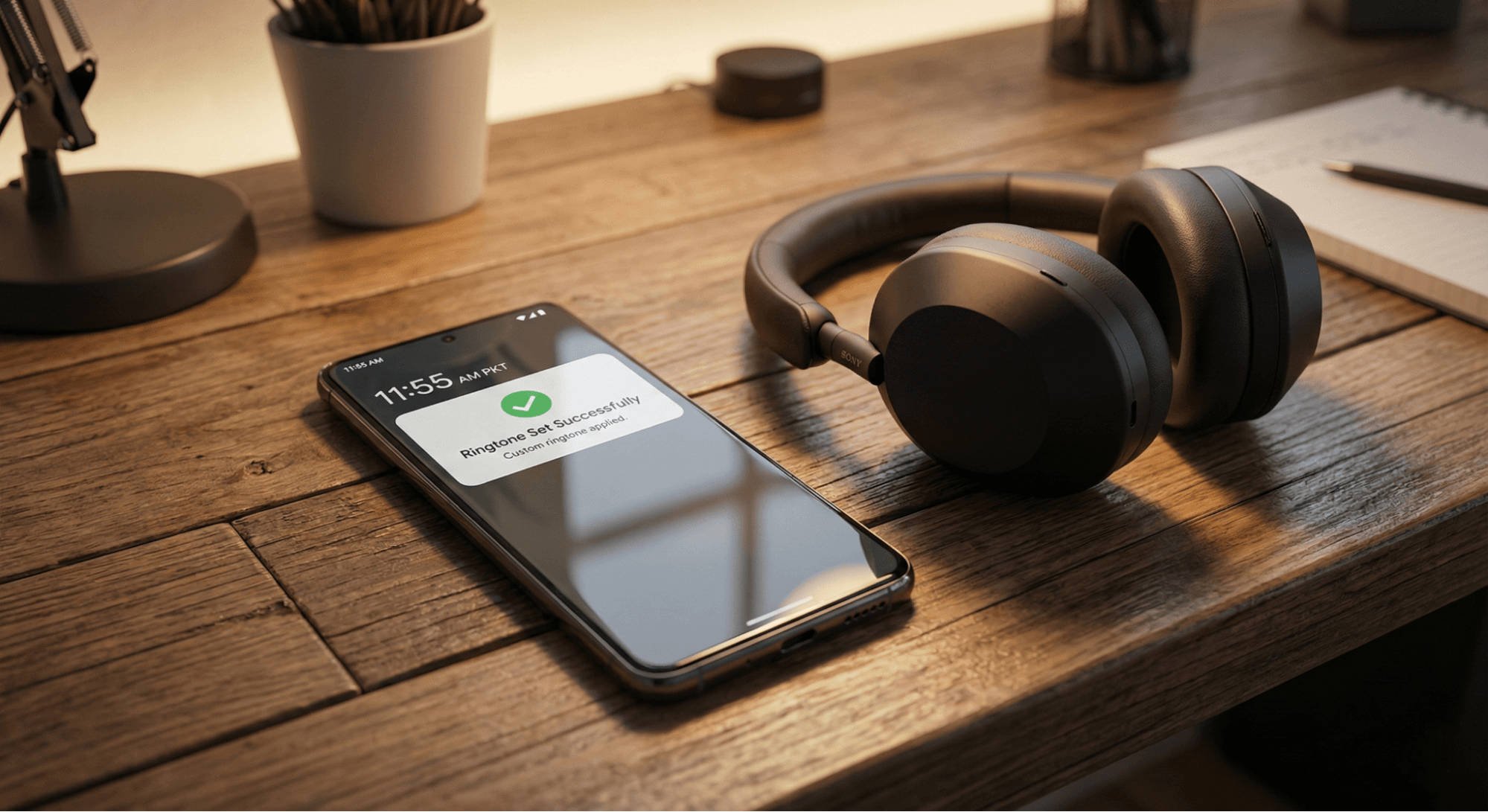
Finding the best apps to download free ringtones on Android in Pakistan often leads you to one conclusion: making them yourself is superior. By using a simple Ringtone Maker on Android or GarageBand on iPhone, you get total creative control without annoying ads or spammy downloads.
Key Takeaways:
- Android: Use an "MP3 Cutter" app to trim songs you already have.
- iPhone: Use GarageBand to convert audio to M4R without a PC.
- Safety: Stick to highly-rated apps and avoid granting unnecessary permissions.
Now you can enjoy a phone that sounds truly unique to you, featuring the exact tunes you love!
@All assets in this blog are sourced from Wallpezia