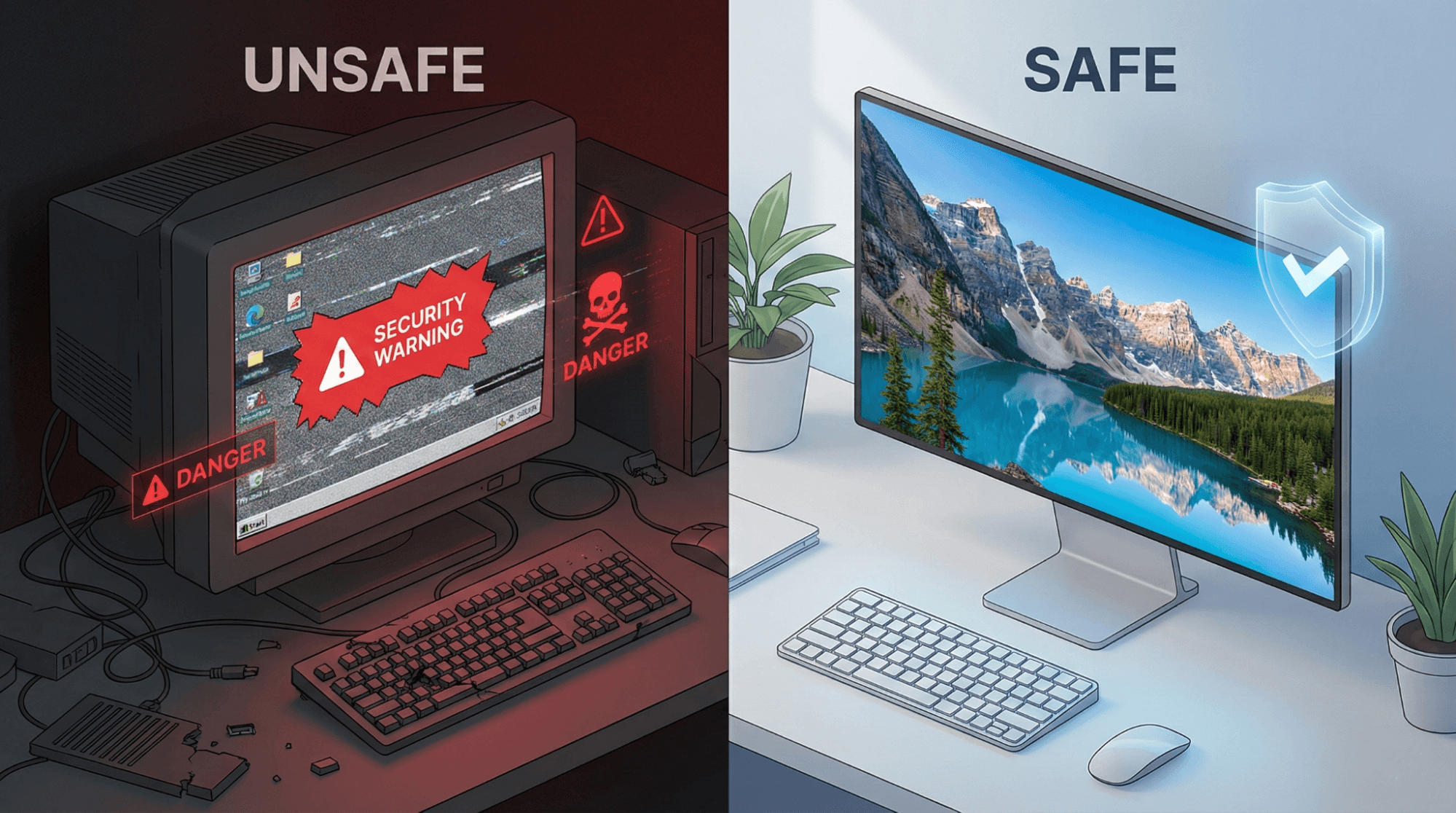
Finding the perfect wallpaper can instantly transform the look of your desktop or mobile screen. Whether you are looking for a serene landscape, a futuristic cyberpunk city, or a minimalist abstract design, the internet is full of options. However, the search for the perfect background often comes with risks: blurry low-quality images, annoying pop-up ads, and even malware disguised as download buttons.
If you want to keep your device safe while securing the crispest 4K and HD backgrounds, you need to know what to look for. In this guide, we will walk you through how to download high-resolution wallpapers safely, identify trusted websites, and distinguish between a real download button and a fake one.
Why Safety and Resolution Matter
Before you click "Save," it is important to understand why being picky about your wallpaper sources matters.
- Device Safety: Unverified wallpaper sites are notorious for hosting malware or adware. A wrong click on a misleading banner can infect your computer or smartphone.
- Visual Quality: Nothing ruins a desktop setup faster than a pixelated image stretched to fit a high-definition screen. To get that "premium" look, you need true high-resolution files, not small thumbnails resized to look big.
How to Identify Trusted Wallpaper Websites
The first step to safe downloading is choosing the right source. Legitimate wallpaper platforms invest in user experience and security. Here is how to spot them:
1. Check for HTTPS
Always look for the padlock icon in your browser’s address bar. This indicates that the connection is secure. If a site says "Not Secure," do not download anything from it.
2. Clean User Interface (UI)
Trusted platforms prioritize the art. If a website is cluttered with flashing banners, adult advertisements, or pop-ups that open new windows immediately, leave the site. reputable sites like Wallpezia, Unsplash, or Pexels maintain clean, organized layouts where the image is the focus, not the ads.
3. Clear Resolution Info
A professional wallpaper site will clearly display the image properties. You should be able to see tags like 4K (3840x2160), Full HD (1920x1080), or file types like JPG and PNG before you download.
Avoiding Common Risks: The "Fake Button" Trap
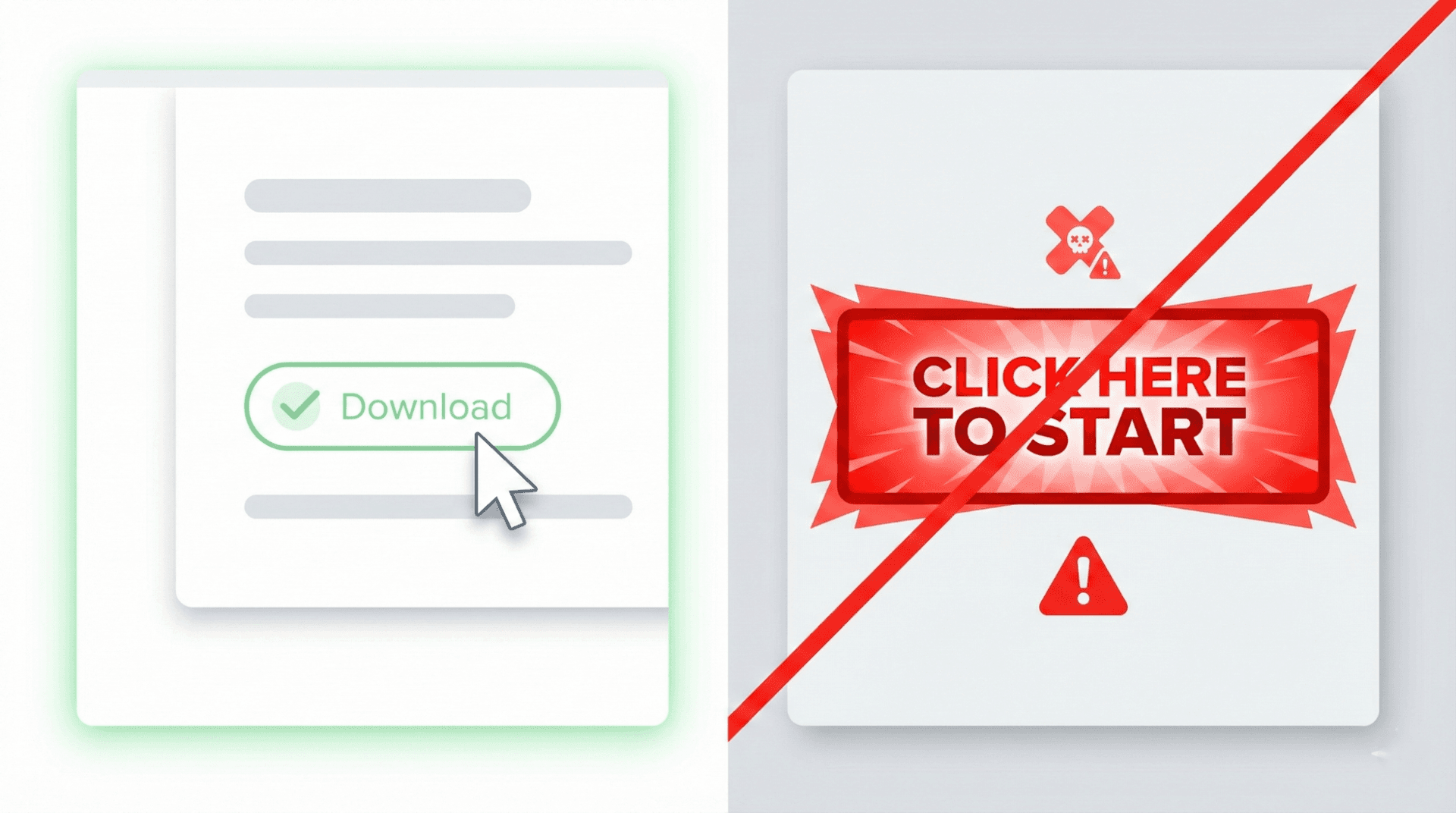
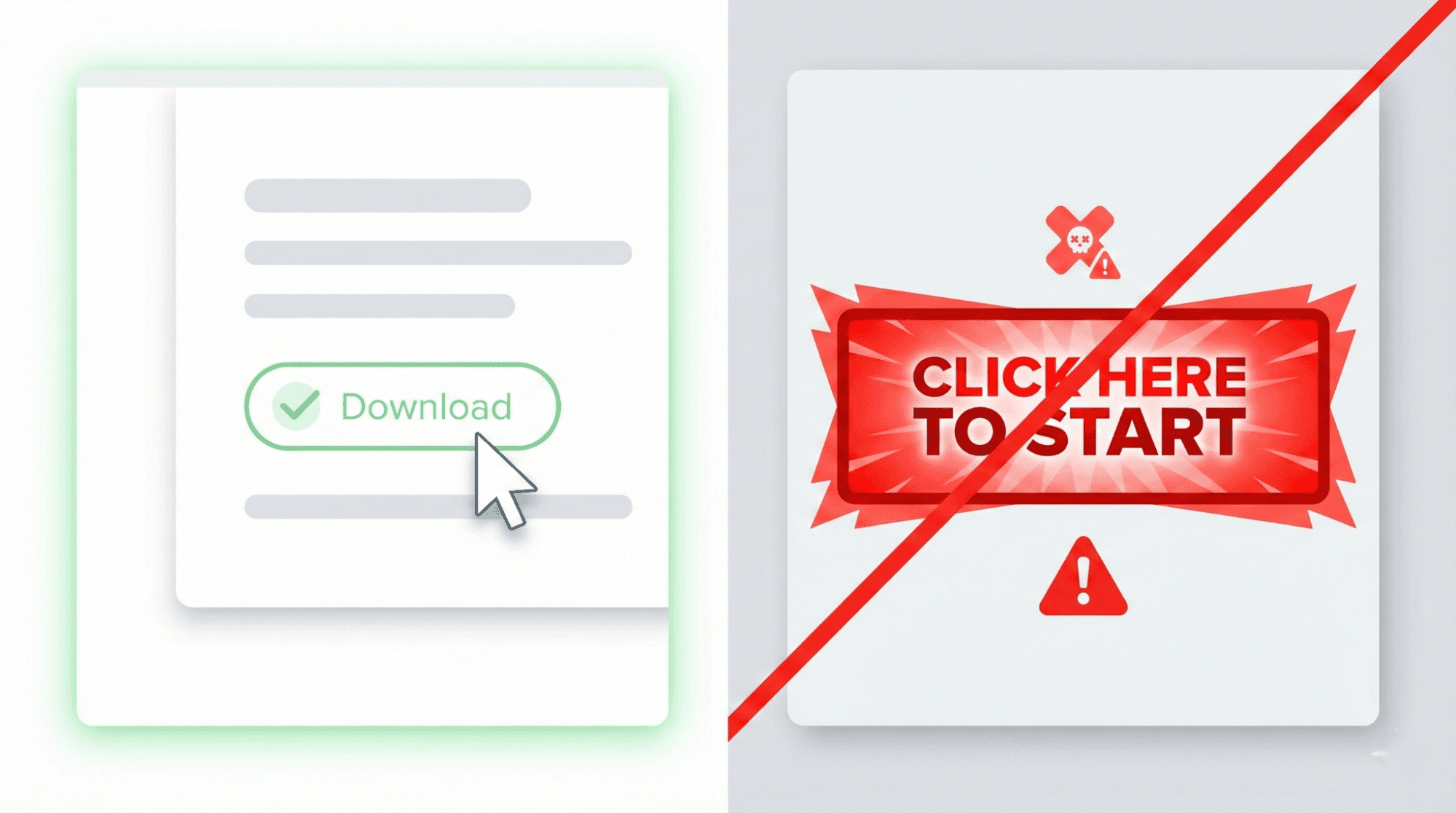
One of the biggest threats on free wallpaper sites is the deceptive download button. This is a common tactic used by malicious advertisers.
How to spot a fake download button:
- It says "Play Now" or "Start Here": Real wallpaper buttons usually say "Download," "Save," or show a downward arrow icon.
- It is excessively large and flashy: Real interface buttons usually match the site's color scheme. Fake ones are often bright green or red to grab attention.
- It leads to a different URL: Hover your mouse over the button. If the link at the bottom of your browser shows a strange URL unrelated to the image, do not click it.
Step-by-Step Guide: Downloading High-Res Wallpapers Safely
Follow these steps to ensure you get the best quality without the virus risk.
Step 1: Verify the Resolution
Before downloading, ensure the resolution matches your screen.
- For Laptops/Desktops: Look for 1920x1080 (1080p) minimum. For larger monitors, aim for 3840x2160 (4K).
- For Phones: Look for vertical resolutions, typically 1080x1920 or higher.
Step 2: Choose the Right Format
- JPG/JPEG: Best for photographs (landscapes, cities). Smaller file size, good quality.
- PNG: Best for digital art, vectors, or images with flat colors. PNGs are lossless, meaning they retain higher quality but are larger in file size.
Step 3: Use the Native Download Feature
On trusted sites like Wallpezia, there is usually a dedicated "Download" button that saves the file directly to your device.
- Avoid taking screenshots. Screenshots capture the screen resolution, not the image resolution, resulting in a blurry wallpaper.
Step 4: Scan the File (Optional but Recommended)
If you are downloading from a new site, stick to standard image files (.jpg, .png, .webp). Never open a wallpaper file if it ends in .exe, .bat, or .zip unless you are sure of the source.
Mobile vs. Desktop: Best Practices
Downloading differs slightly depending on your device.
On Desktop (Windows/Mac):
- Navigate to the image page.
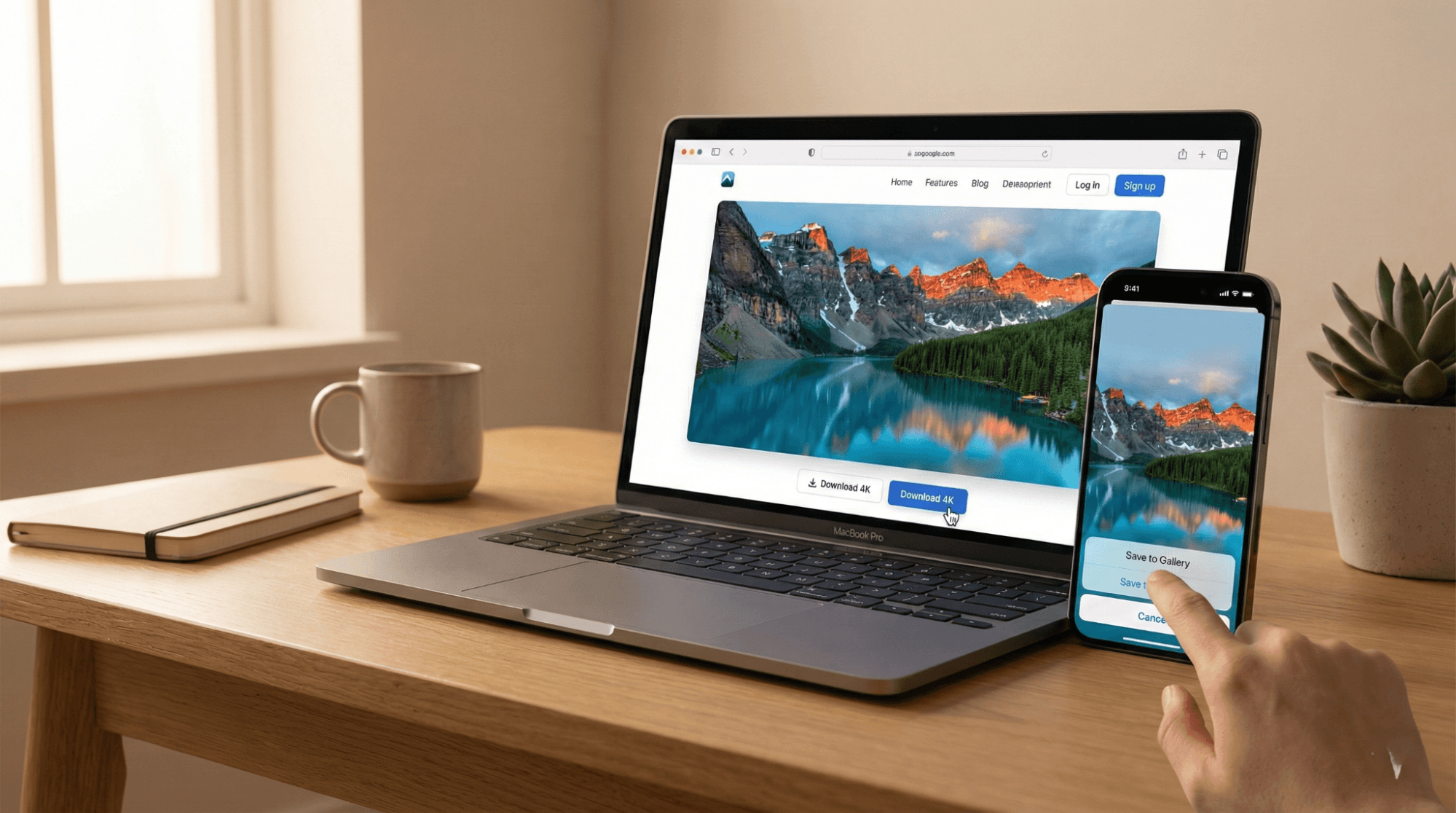
- Click the dedicated download button for the full-size image.
- Alternative: Right-click the image and select "Open image in new tab" to check if it's full size, then right-click and "Save Image As."
On Mobile (iOS/Android):
- Do not just long-press the thumbnail in Google Images; this often saves a low-quality preview.
- Visit the actual website (e.g., Wallpezia).
- Tap the download button to load the full-res image.
- Long-press the full image and select "Add to Photos" or "Download Image."
Conclusion
Downloading a wallpaper should be a simple joy, not a security risk. By sticking to reputable platforms that verify their content, checking file extensions, and avoiding click-bait buttons, you can build a stunning collection of backgrounds safely.
Remember, high-quality aesthetics rely on high-resolution sources. Platforms like Wallpezia are designed to bridge this gap, offering a user-friendly environment where safety and quality are the standard, making it easier than ever to find the perfect backdrop for your digital life.
Stay safe, and happy downloading!
For nature lovers, check out our complete guide on Where Can I Find Free HD Nature Wallpapers for Desktop and Mobile in Pakistan? for free, high-resolution downloads.
@All images in this blog are sourced from Wallpezia.