When you look at your smartphone, sit in a chair, or read a magazine, you are interacting with the work of a designer. But if you ask the question, "What does a designer do?", the answer is far more complex than simply "making things look good."
Design is the intersection of creativity, psychology, and problem-solving. Whether you are an aspiring creative looking to enter the field or a business owner planning to hire talent, understanding the depth of this profession is crucial.
In this guide, we will break down the different types of designers, their daily workflows, the tools they use, and the technical realities of the job.

The Core Mission: Solving Problems Through Visuals
At a fundamental level, a designer solves problems. While art is often about self-expression, design is about communication and functionality. A designer takes a concept, a user need, or a business goal and translates it into a tangible, usable solution.
They bridge the gap between form (aesthetics) and function (usability). A beautiful chair that is uncomfortable to sit in is bad design. A confusing website with stunning colors is bad design. Good design makes life easier, clearer, and more enjoyable.
Types of Designers and Their Responsibilities
The term "designer" is an umbrella title covering various specializations. Here is a breakdown of the most common roles:
1. Graphic Designer
Graphic designers focus on visual communication. They combine typography, photography, and illustration to convey a specific message.
- Key Tasks: Creating logos, brochures, social media graphics, and marketing materials.
- Focus: Branding identity and print media.
2. UI/UX Designer (User Interface / User Experience)
These designers build the digital world. UX designers focus on how a product feels and flows, while UI designers focus on how it looks.
- Key Tasks: Wireframing apps, testing user flows, designing buttons and menus.
- Focus: Enhancing customer satisfaction and usability on websites and apps.
3. Web Designer
Often overlapping with UI/UX, web designers specifically focus on the layout and visual aspects of websites.
- Key Tasks: Designing landing pages, ensuring mobile responsiveness, and selecting web-safe fonts.
- Focus: The aesthetic and functional layout of a website.
4. Product Designer (Industrial Design)
These professionals design physical objects, from toothbrushes to cars.
- Key Tasks: 3D modeling, material selection, and ergonomics testing.
- Focus: Mass production and physical functionality.
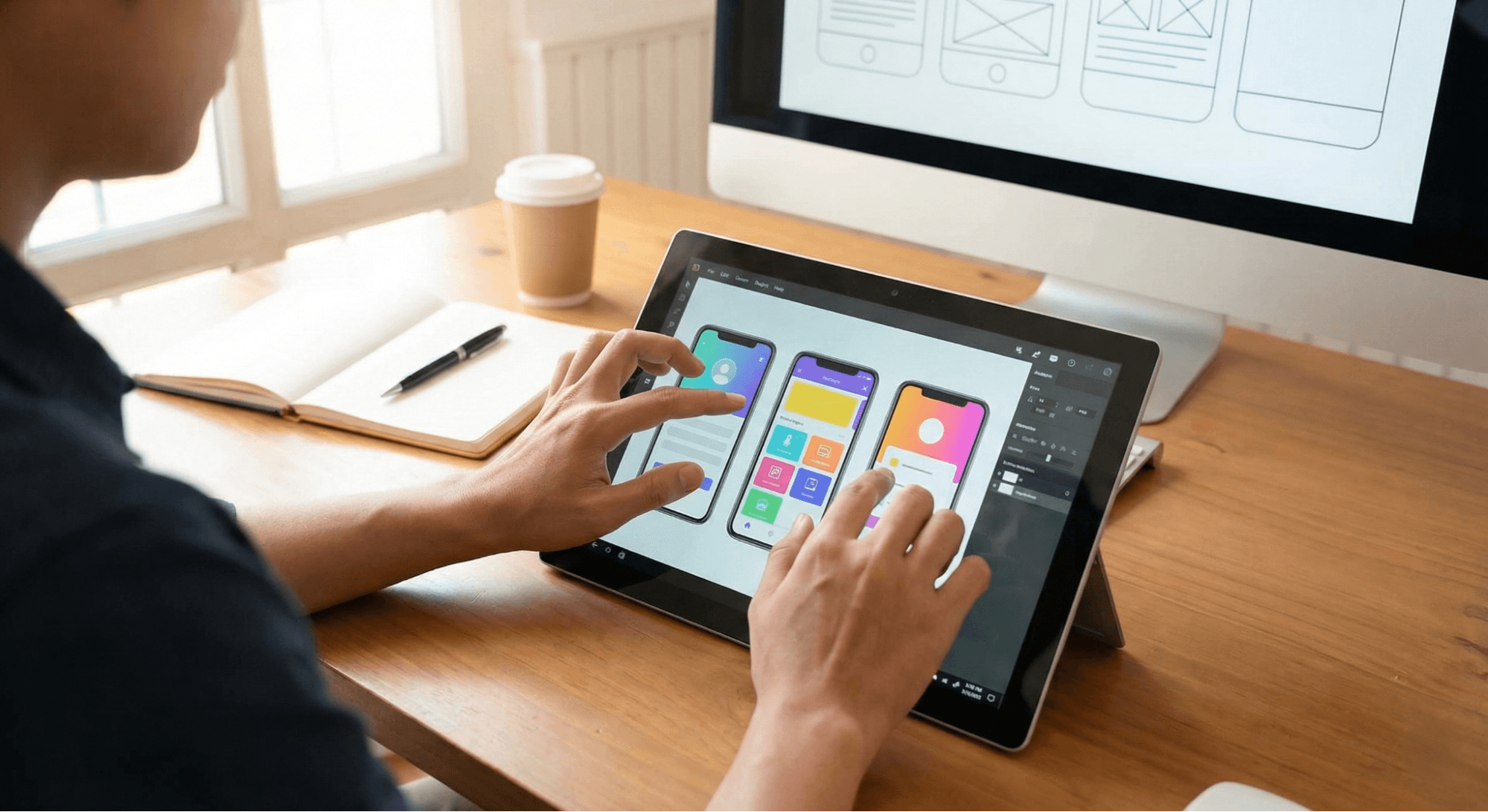
A Day in the Life: The Designer’s Workflow
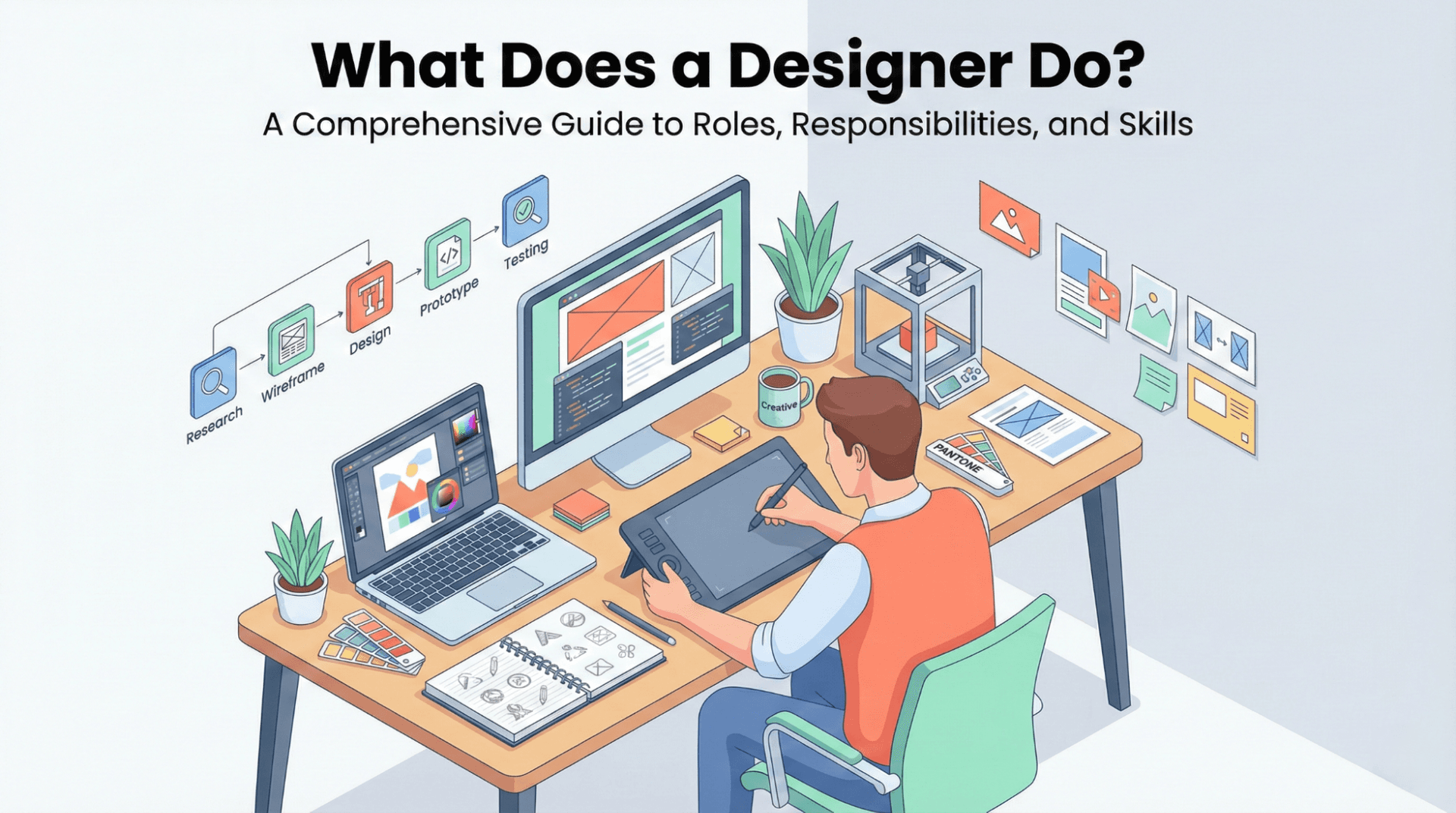
Contrary to popular belief, designers do not spend 100% of their time drawing. A typical workflow involves strategic planning and technical execution.
Phase 1: The Brief and Research
Before opening any software, a designer must understand the goal. They ask questions like: Who is the audience? What is the competition doing? This phase often involves creating mood boards and gathering resources. For example, they might look for the Best Online Platforms to Download Free High-Quality PNGs to visualize concepts quickly.
Phase 2: Ideation and Sketching
This is the brainstorming phase. Designers sketch rough ideas on paper or whiteboards to map out layouts without getting bogged down in details.
Phase 3: Design and Prototyping
Here, the actual creation happens using professional software. Designers build high-fidelity versions of their ideas, experimenting with color palettes and typography.
Phase 4: Feedback and Revision
Design is iterative. Professionals present their work to clients or stakeholders, receive critique, and refine the work. This requires a thick skin and the ability to detach personal feelings from the work.
Essential Skills, Tools, and Techniques
To succeed, a designer needs a robust toolkit comprising both technical software and soft skills.
Technical Tools
- Adobe Creative Cloud: Photoshop (for photo editing), Illustrator (for vectors), and InDesign (for layout) are industry standards.
- Figma & Sketch: The go-to tools for UI/UX and web design, allowing for real-time collaboration.
- 3D Software: Tools like Blender or Cinema 4D for rendering three-dimensional assets.
Key Soft Skills
- Communication: Explaining why a design decision was made is often harder than making it.
- Empathy: Understanding the user's pain points is critical for UX design.
- Time Management: Juggling multiple projects and strict deadlines.
The Technical Side: Files, Licensing, and Ethics
A professional designer must understand the technical and legal requirements of their assets. It isn't enough to just download an image from Google; doing so can lead to legal trouble.
Understanding File Formats
Deliverables must be in the correct format. A logo sent as a blurry JPEG is useless for a billboard. Designers must know when to use vectors (SVG, EPS) versus rasters (JPEG, PNG).
- Tip: Transparency is key for digital assets. Understanding How to Use PNG Images in Your Projects? ensures that logos and icons blend seamlessly into any background.
Copyright and Licensing
Ethical design involves respecting intellectual property. When using stock photos, fonts, or graphics, designers must check the licensing terms.
- Rights-Managed vs. Royalty-Free: Knowing the difference saves money and legal headaches.
- Commercial Use: If you are designing for a client who will make money from the work, you must ensure you have the right permissions. Having the Commercial License Explained Simply to clients is often part of a designer's job to protect both parties.
Practical Tips for Hiring or Becoming a Designer
For Aspiring Designers:
- Build a Portfolio: Show your process, not just the final result. Explain the problem you solved.
- Master the Basics: Learn the principles of hierarchy, balance, and contrast before chasing trends.
- Use Quality Resources: Platforms likeWallpezia can be instrumental in finding high-quality assets to speed up your workflow without compromising on quality.
For Businesses Hiring Design Talent:
- Look for Problem Solvers: Don't just look for "pretty" portfolios. Ask candidates how they improved a metric or solved a user complaint.
- Clarify the Role: Don't hire a graphic designer if you actually need a UI/UX specialist for your app.
- Respect the Process: Good design takes time. Rushing the research phase usually leads to a generic outcome.
Conclusion
So, what does a designer do? They are architects of experience, translators of complex ideas, and problem solvers who use visual language to improve our daily lives. From the app you use to order food to the branding on your coffee cup, designers shape the world around us.
Whether you are looking to become a designer or hire one, remember that the value lies not just in the software skills, but in the ability to think critically and create with purpose. For those ready to start creating, utilizing reliable resources like Wallpezia can help streamline the journey from concept to reality.
To better understand what makes a design effective, it’s helpful toexplore the 7 main principles of design that every designer follows to create visually appealing and functional work.
@All assets in this blog are sourced from Wallpezia