I. Introduction: Bridging the Gap Between Math and Magic
Imagine a world of white lines and black voids. In the early 1970s, "cutting-edge" computer graphics meant a game of Pong—two rectangular paddles and a square "ball" bouncing across a vacuum. Fast forward to today, and you can explore the hyper-realistic, rain-slicked streets of a neon metropolis or watch a digital human face emote with such nuance that the "Uncanny Valley" is nearly bridged.
How does a machine made of silicon, copper, and cold binary code (0s and 1s) create these lush, vibrant experiences?
Computer graphics is the science and art of translating digital data into the visual imagery we see on our screens. It is the bridge between human perception and machine logic. While it may feel like magic, it is actually a sophisticated symphony of mathematics, physics, and engineering.
If you have ever felt overwhelmed by technical jargon like "rasterization," "VRAM," or "ray tracing," you are not alone. Most resources are either dry textbooks filled with multi-variable calculus or sales pitches for $2,000 graphics cards. This guide is designed for the "universal beginner." Whether you are a gamer curious about why your frame rate drops, a student entering the creative arts, or just someone who wants to understand the tech in their pocket, we are going to demystify the digital sorcery behind your screen.
II. The Fundamentals: How Computers “Think” in Pictures
To understand how a computer draws, we must first understand the two languages it speaks: Mosaics and Geometry.
A. Raster Graphics: The Digital Mosaic
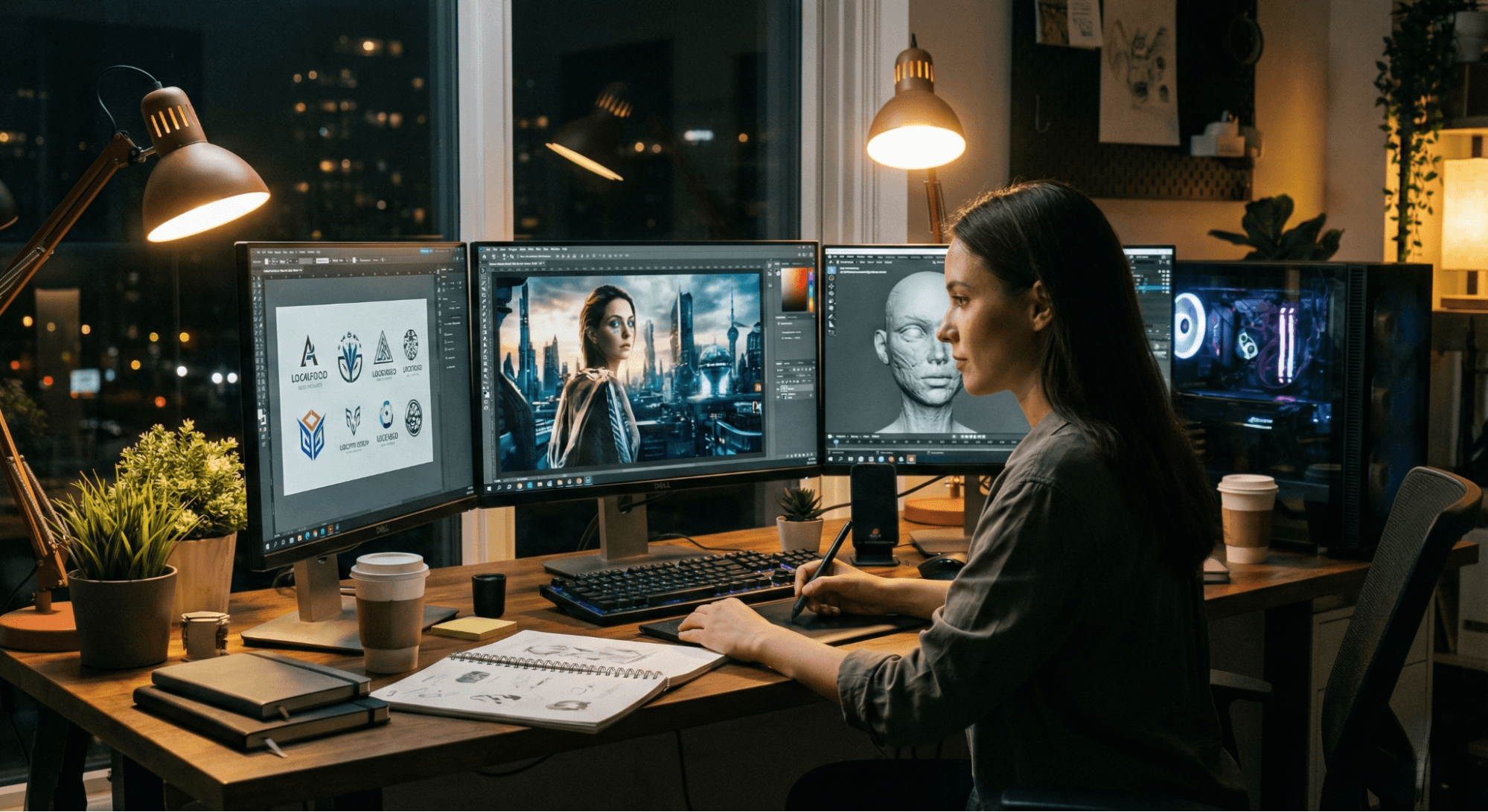
Most of what you see on the internet—photographs, social media icons, and YouTube videos—are raster graphics. Think of a raster image as a massive mosaic made of tiny, uniform tiles called pixels (picture elements).
- Key Terms:
- Resolution: The total count of pixels (e.g., 1920 x 1080).
- Bit Depth: The amount of color information available to each pixel. A higher bit depth means more realistic gradients and fewer "bands" in a sunset.
- The Scalability Problem: Because raster images are a fixed grid, they hate being resized. If you "zoom in" too far, the computer has to guess where to put new colors, resulting in "pixelation" or blurriness.
If you are interested in how the world of light translates to these grids, you might want to explore What are the 7 Basics of Photography? A Complete Beginner’s Guide to see how sensors capture these "tiles" in real time.
B. Vector Graphics: Math-Based Art
Unlike rasters, vector graphics don't store "colors in a grid." Instead, they store a set of mathematical instructions. A vector file doesn't say "here is a red pixel"; it says "Draw a circle at coordinates (x, y) with a radius of r and fill it with Hex Color #FF0000."
- The Magic of Scalability: Because the image is just a math equation, you can scale a vector logo from the size of a postage stamp to the size of a billboard without losing a single drop of sharpness.
- The Trade-off: Vectors are perfect for logos and typography but terrible for photos. You cannot easily use math equations to describe the chaotic, organic textures of a forest or a human face.
Practical Tip: Photographers and digital painters live in a raster world (Adobe Photoshop). Logo designers and architects live in a vector world (Adobe Illustrator or AutoCAD).
III. The Engine Room: Hardware Powering Graphics
Why do we need a "Graphics Card" if we already have a powerful computer? It comes down to the difference between a philosopher and a factory.
A. The Brain vs. The Muscle (CPU vs. GPU)
The Central Processing Unit (CPU) is the "Brain." It is an expert at complex, sequential tasks—handling your operating system, running logic, and managing data. However, it can only do a few things at once.
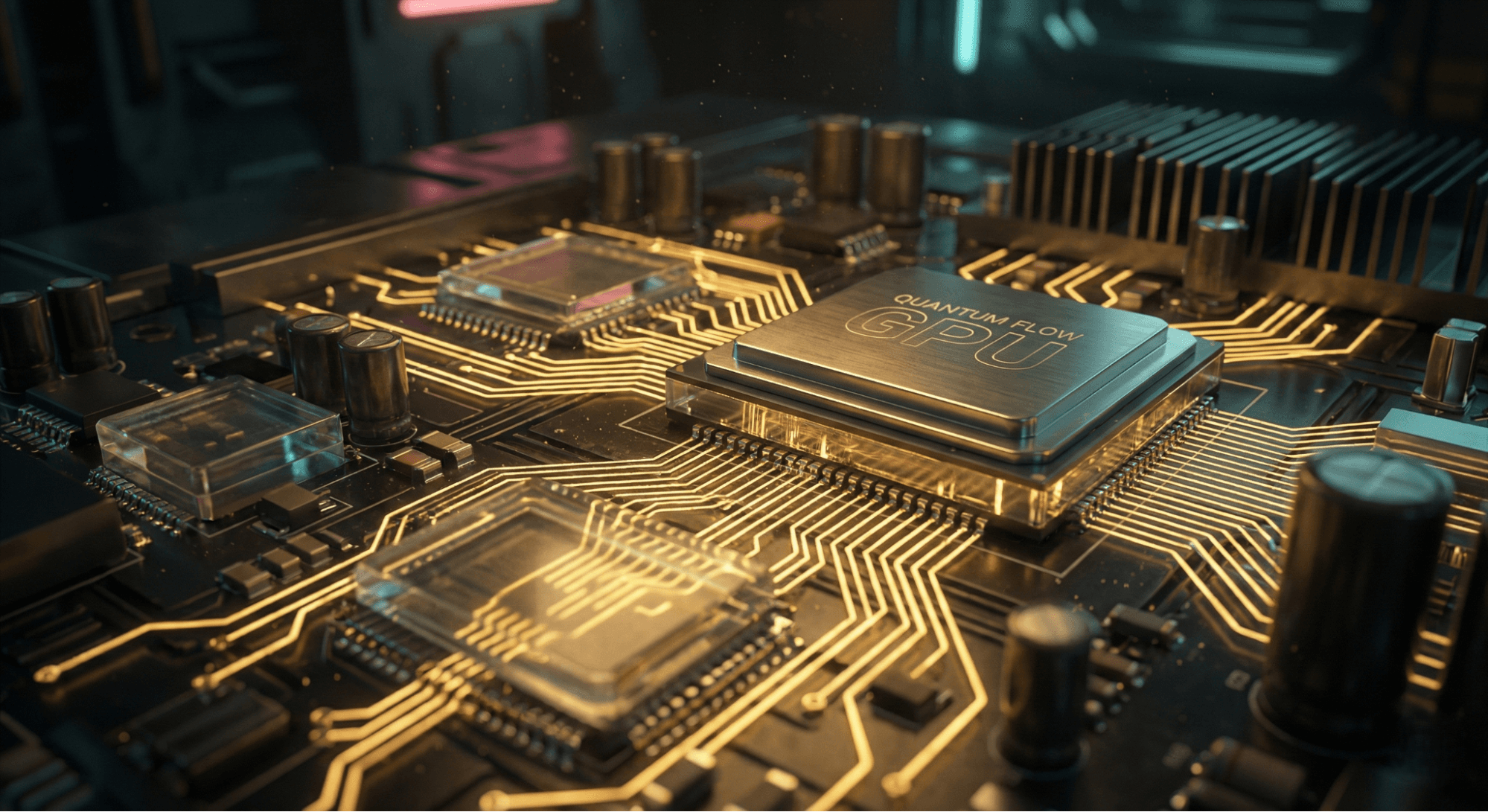
The Graphics Processing Unit (GPU) is the "Muscle." While the CPU is a genius who can solve one hard math problem at a time, the GPU is a thousand workers who can each solve one very simple problem simultaneously. Since an image is made of millions of pixels that all need to be updated at once, the GPU’s parallel architecture is what makes modern visuals possible.
B. Deconstructing the Graphics Card
A "Graphics Card" is a mini-computer that plugs into your main computer. It contains:
- The GPU Chip: The actual silicon doing the math.
- VRAM (Video RAM): This is the high-speed "waiting room." Before a frame is shown on your screen, all the textures, 3D models, and lighting data sit here. If you try to play a high-definition game with low VRAM, your computer will "stutter" because the waiting room is full.
C. Integrated vs. Dedicated
- Integrated Graphics: The GPU is built directly into the CPU. It’s efficient and great for office work or watching Netflix, but it shares your system’s memory, making it slow for heavy tasks.
- Dedicated Graphics: A separate card with its own cooling and memory. This is essential for gaming, 3D rendering, and professional video editing.
IV. The Graphics Pipeline: The Assembly Line of Imagery
Creating a 3D image is like an assembly line. This process is called the Graphics Pipeline.
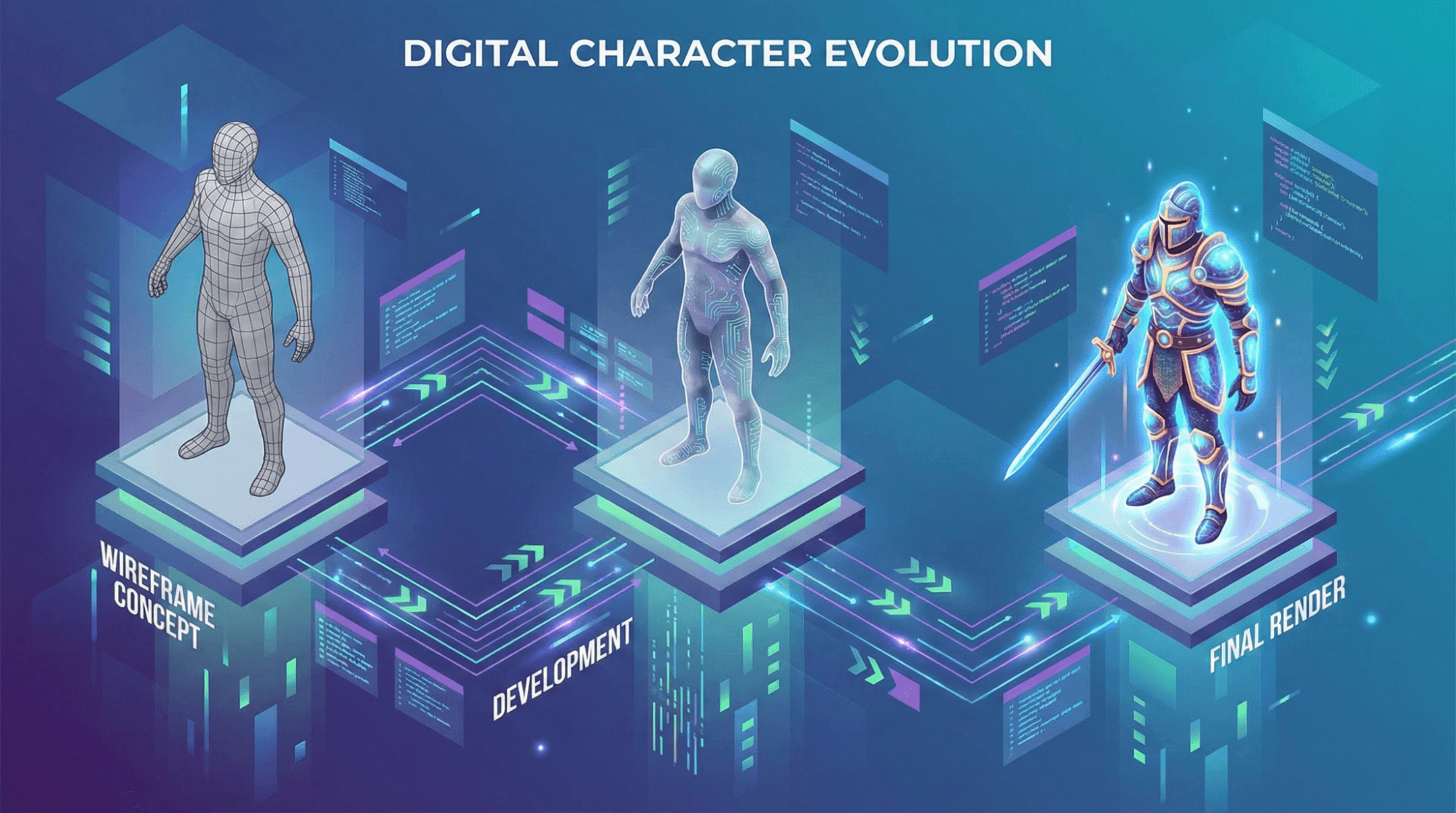
- Modeling (The Skeleton): Artists create "wireframes" using thousands of tiny triangles (polygons). Everything from a character's nose to a mountain range starts as a collection of points in 3D space calledvertices.
- Lighting & Shading: The computer calculates how virtual light hits those triangles. Is the surface shiny like chrome or matte like cloth?
- Projection & Clipping: The 3D world is "squashed" onto a 2D plane (your screen). The computer also "clips" or deletes anything you can't see (like the back of a building) to save power.
- Rasterization (The Translation): This is the crucial step where the 3D vector math is turned into 2D pixels.
- Texturing & Display (The Paint Job): Finally, 2D images (textures) are wrapped around the models, and the final "frame" is sent to your monitor.
V. Advanced Techniques & Emerging Trends
A. Ray Tracing: The Holy Grail
Traditional graphics use "tricks" to simulate light. Ray Tracing actually simulates the physical behavior of light. It tracks individual "rays" as they bounce off surfaces, creating perfect reflections, realistic shadows, and "global illumination." It is incredibly demanding on hardware but results in cinematic realism.
B. AI & Neural Rendering
We are entering the era of AI-driven graphics. Technologies like DLSS (Deep Learning Super Sampling) use AI to look at a low-resolution image and "guess" what it would look like in 4K. This allows gamers to get high-end visuals without needing a supercomputer.
C. Generative Graphics
AI is now helping artists create. Instead of modeling every leaf on a tree, a designer can use generative tools to "spawn" an entire forest based on a few parameters, drastically speeding up the creative process.
VI. Software & Tools Overview
If you want to start creating, here is the landscape of tools:
- 2D Raster: Adobe Photoshop (Industry standard), GIMP (Free/Open source), Krita (Great for digital painting).
- 2D Vector: Adobe Illustrator, Inkscape (Free), Figma (Web & UI design).
- 3D Modeling & Animation: Blender (Free and incredibly powerful), Autodesk Maya (Film industry standard),ZBrush (Digital sculpting).
- Game Engines: Unreal Engine 5 (Cutting-edge realism), Unity (Great for mobile and indie games).
VII. Usability & Design Tips
Understanding graphics isn't just for "techies"; it's for anyone who wants to communicate visually.
- Resolution vs. Performance: Always match your assets to your output. Using a 4K image for a small button on a website will only slow down your page without adding visual clarity.
- Visual Principles: Even the best graphics fail if they don't follow the What are the 7 Main Principles of Design?. Balance, contrast, and hierarchy are what make "math" look like "art."
- Optimizing for Displays: If you are a designer, remember that HDR (High Dynamic Range) and color accuracy vary wildly between a cheap phone and a professional monitor. Always test your graphics on multiple devices.
VIII. Conclusion
Computer graphics is the ultimate intersection of human curiosity. It takes the rigid, cold world of mathematics and physics and uses it to express the wildest reaches of our imagination. From the simple pixels of the past to the AI-generated worlds of the future, the journey of digital imagery is a testament to how we can turn "math into magic."
Whether you are looking for visual inspiration or a new wallpaper to test your screen's limits, resources like Wallpezia offer a glimpse into what happens when high-end graphics meet artistic vision. The next time you look at your screen, remember: there are millions of "workers" in your GPU, calculating the physics of light just so you can see a digital sunset.
IX. Frequently Asked Questions (FAQ)
Q: What is the difference between a GPU and a graphics card?
A: The GPU is the specific chip (the brain) that does the math. The "Graphics Card" (or Video Card) is the entire board that includes the GPU, the memory (VRAM), the cooling fans, and the power connectors.
Q: Do I need a dedicated GPU for basic tasks like programming?
A: Generally, no. Modern integrated graphics are more than enough for coding, web browsing, and 1080p video. You only need a dedicated GPU for 3D rendering, high-end gaming, or heavy video editing.
Q: Why do 4K monitors need more VRAM?
A: A 4K image has four times as many pixels as a 1080p image. To display those pixels, the GPU needs more "storage space" (VRAM) to hold the massive amount of data required for every single frame.
Q: Is ray tracing worth it for casual users?
A: For casual browsing or work, no. For gamers and movie fans, it provides a level of realism that was impossible five years ago. However, it requires a very powerful (and expensive) card to run smoothly.
@All assets in this blog are sourced from Wallpezia