Every time you unlock your smartphone, scroll through social media, or play a video game, you are interacting with graphics. But if someone asked you to define "graphics" without using technical jargon, could you do it?
In our digital-first world, graphics are the primary language of communication. From the tiny icon you tap to open an app to the breathtaking cinematic visuals in a blockbuster movie, graphics bridge the gap between human imagination and digital screens. Understanding what graphics are—and how they work—is essential for anyone looking to navigate the modern digital landscape, whether you are a student, a budding creator, or simply a curious user.
1. What Are Graphics? (The Simple Definition)
In the simplest terms, graphics are visual representations of data or ideas. If text is what we read, graphics are what wesee.
While text uses letters and numbers to convey a message, graphics use lines, colors, shapes, and layouts to do the same thing—often much faster. Think of a "No Smoking" sign. You could read a paragraph about fire safety, or you could look at a simple circle with a diagonal line through a cigarette. The image is a graphic, and it communicates the message instantly.
Graphics vs. Text: Why Do We Use Them?
Human brains process visuals significantly faster than text. We use graphics because:
- Clarity: They simplify complex information (like a map or a chart).
- Emotion: Colors and images evoke feelings that plain text cannot.
- Engagement: A wall of text is intimidating; a beautiful image is inviting.
2. The Core Types of Graphics
In the world of computer graphics, almost everything falls into two main categories: Raster and Vector. However, as technology has evolved, 3D and Motion graphics have become equally vital.
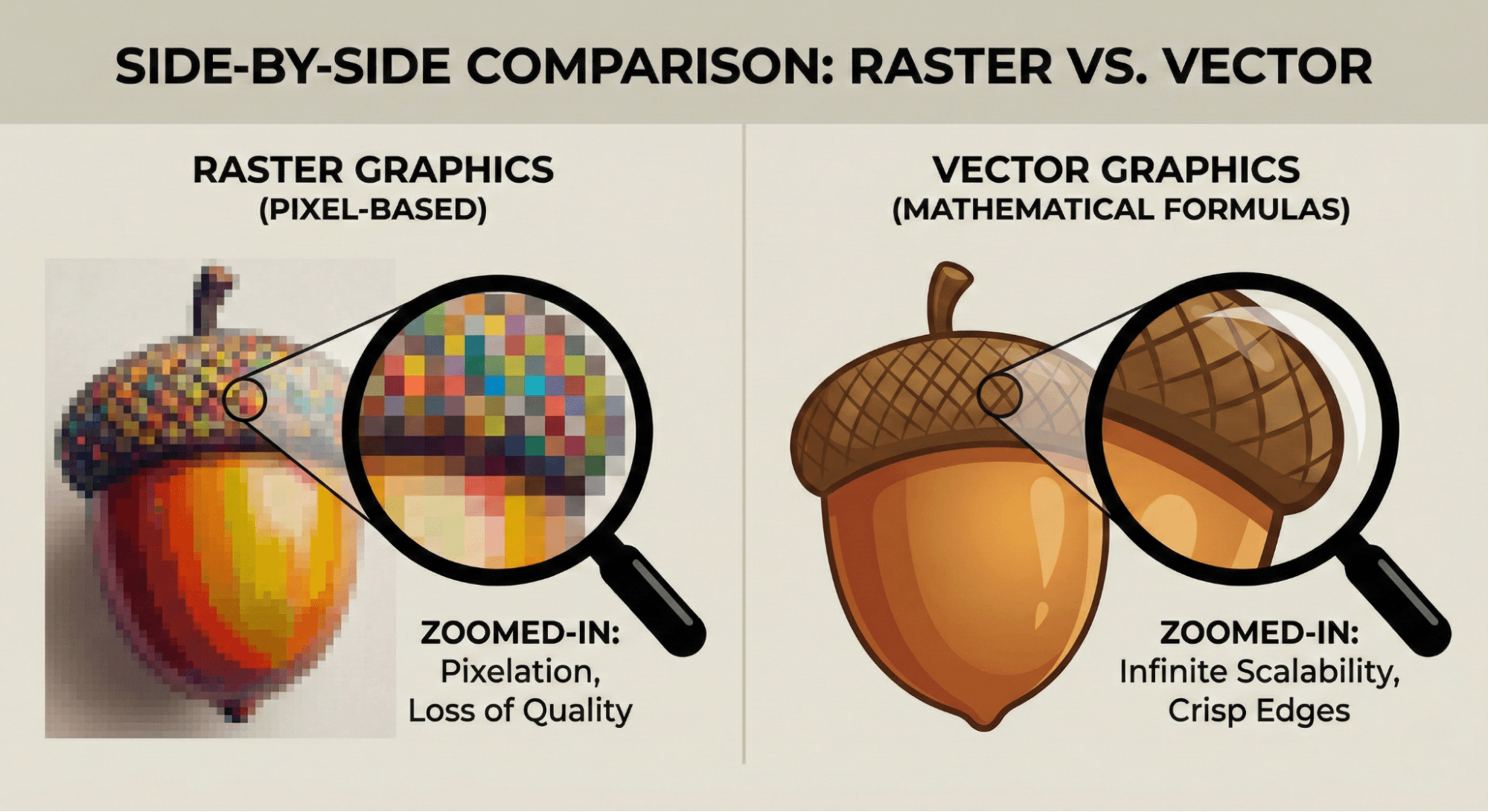
Raster Graphics (Pixels)
Raster graphics are made up of millions of tiny colored squares called pixels. When you zoom in far enough on a digital photo, you’ll see these squares.
- Examples: JPEGs, PNGs, and GIFs.
- Where they are used: Real-world photography and complex digital paintings.
- The Catch: If you resize a raster image to be too large, it becomes "pixelated" or blurry because there are only a fixed number of pixels.
Vector Graphics (Paths)
Unlike pixels, vector graphics are based on mathematical paths (points, lines, and curves).
- Examples: SVGs, AI files, and EPS.
- Where they are used: Logos, icons, and fonts.
- The Benefit: You can scale a vector image to the size of a skyscraper or shrink it to the size of a postage stamp, and it will remain perfectly crisp and sharp.
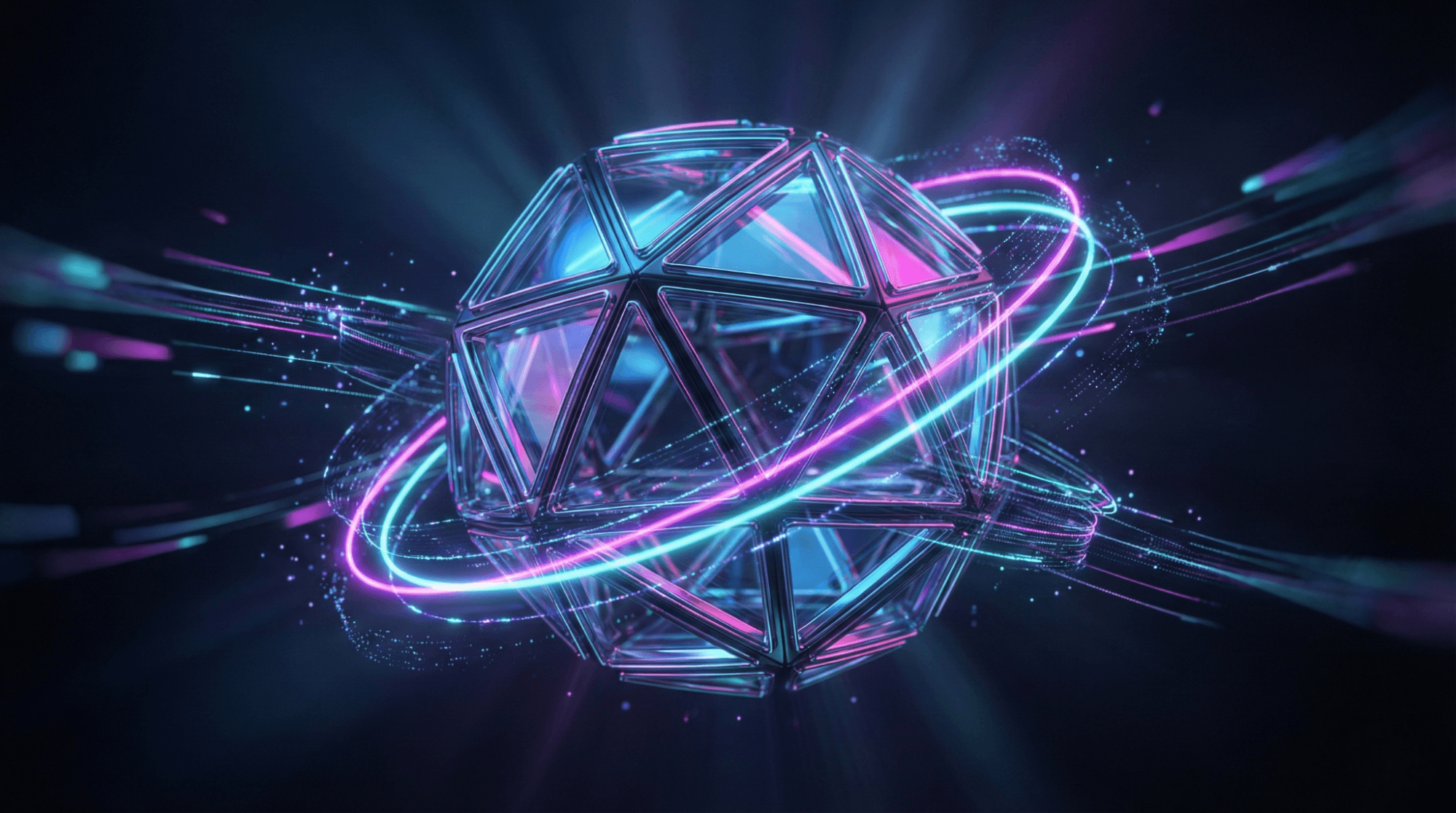
3. 3D Graphics
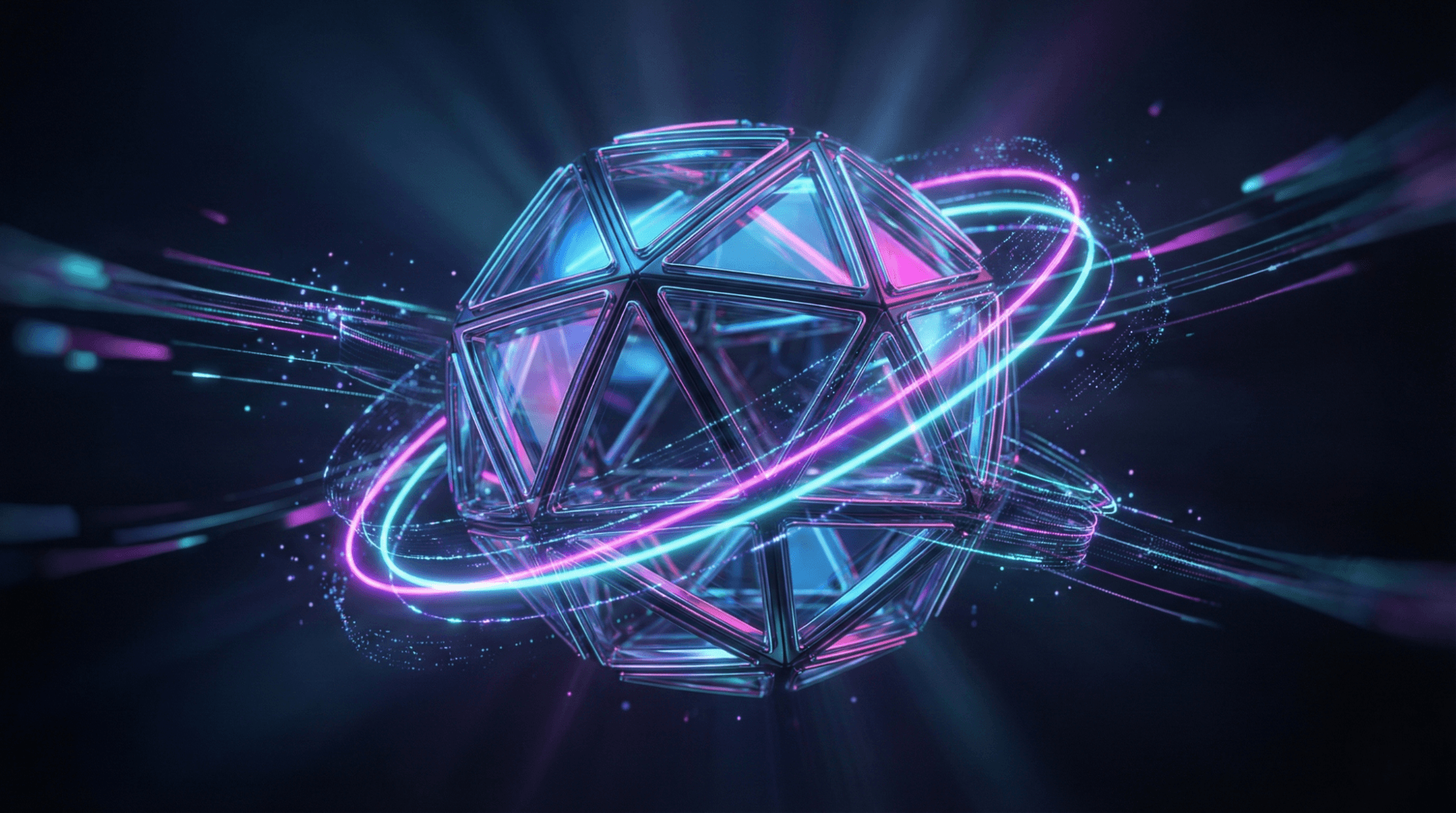
These are models created in a three-dimensional digital space. They have height, width, and depth. 3D graphics are the backbone of modern gaming, architectural simulations, and animated movies.
4. Motion Graphics
Motion graphics are essentially "graphics in movement." This includes animated logos, social media ads, and the transition effects you see on television programs.
3. Where Are Graphics Used Daily?
You don't have to look far to find digital graphics. They are the heartbeat of the modern economy:
- Websites & Apps: Every button, menu, and header image is a graphic designed for visual communication.
- Social Media: Visual platforms rely almost entirely on high-quality visuals to drive engagement.
- Gaming & Film: From 8-bit retro games to photorealistic VR, graphics define the user experience.
- UI/UX Design: User Interface (UI) design uses graphics to make technology easy and intuitive to use.
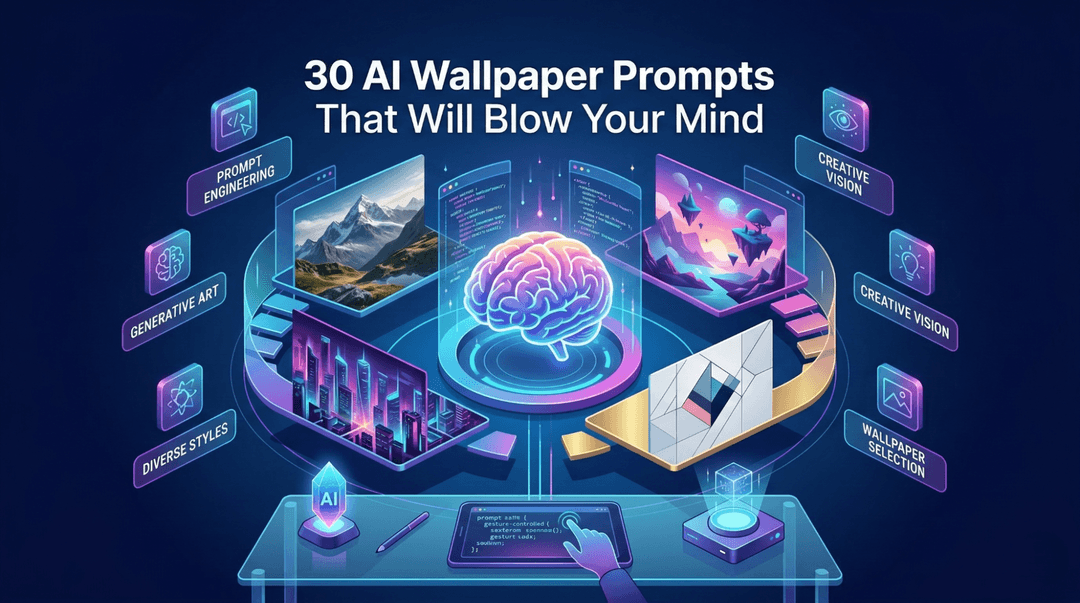
- Customization: Digital wallpapers and themes allow users to personalize their devices, reflecting their identity through visual art.
4. Why Graphics are More Important Than Ever
As the world becomes increasingly visual, the dominance of imagery is undeniable. Here is why graphics matter so much today:
- Speed of Information: In an era of short attention spans, a single graphic can deliver a message faster than a long article.
- Branding: In a crowded market, a unique visual identity (logos, color schemes) is how a brand survives.
- AI-Generated Visuals: The rise of AI-generated art has made high-quality graphics accessible to everyone, changing how we brainstorm and create.
- Digital Identity: Our avatars, profiles, and backgrounds are our "digital clothes." They represent who we are in the virtual world.
5. Basic Principles Behind Good Graphics
Creating "graphics" is easy, but creating good graphics requires an understanding of design. To make visuals that are pleasing to the eye, designers follow specific rules:
- Color Balance: Using colors that complement rather than clash.
- Contrast: Ensuring elements (like text on a background) stand out clearly.
- Typography: Choosing the right fonts to match the mood of the message.
- Composition: How elements are arranged on the screen.
To dive deeper into the "how-to" of design, you might want to explore the What are the 7 Main Principles of Design? to see how professionals structure their work.
6. Graphics vs. Graphic Design: What’s the Difference?
These terms are often used interchangeably, but they are different:
- Graphics are the "what"—the actual images, icons, and drawings.
- Graphic Design is the "how"—the professional craft of planning and projecting ideas with visual and textual content.
If you are interested in the career side of things, check out this guide onwhat a designer does to understand the roles, responsibilities, and skills required in the industry today.
7. Graphics in Wallpapers & Digital Customization
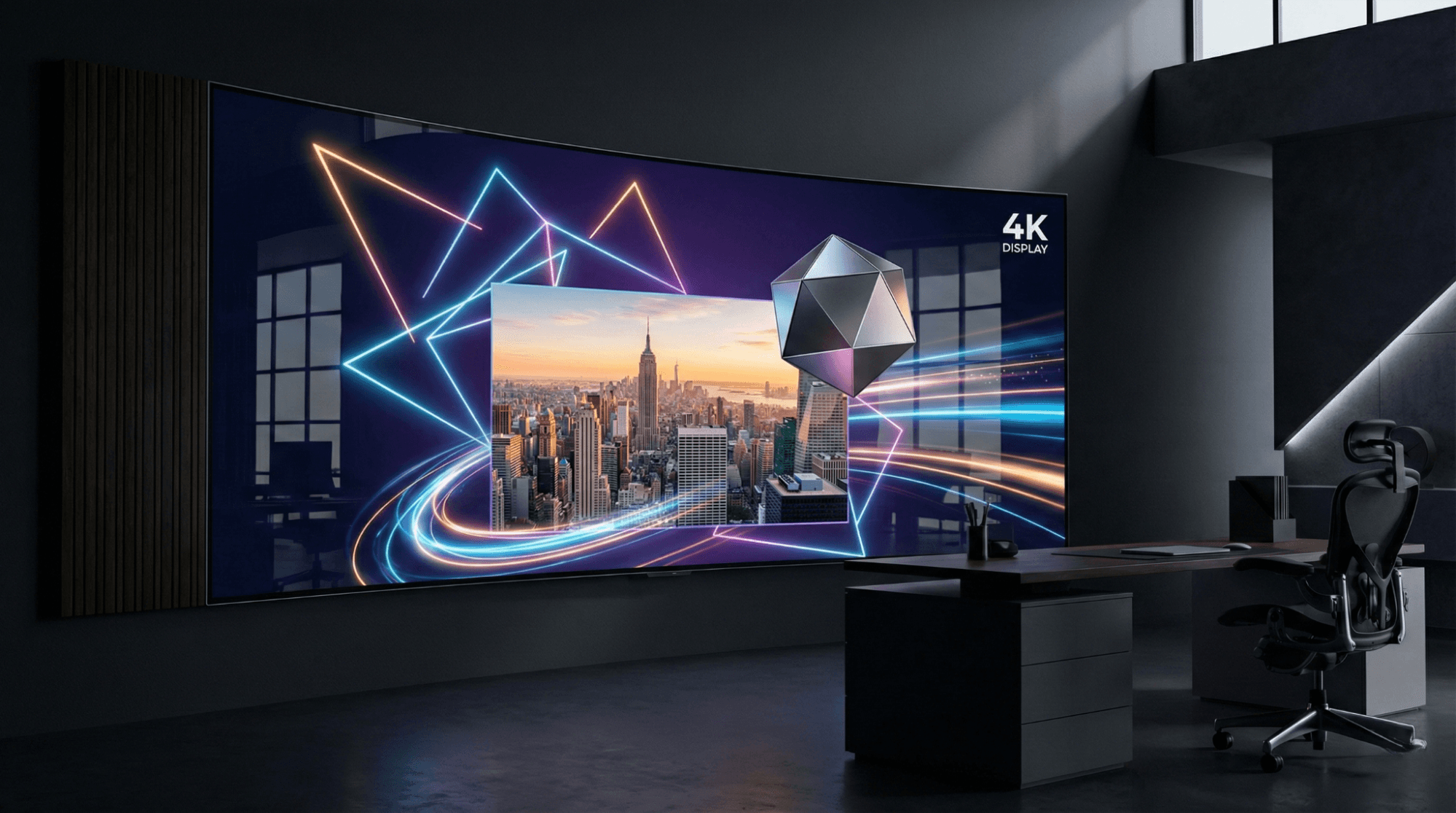
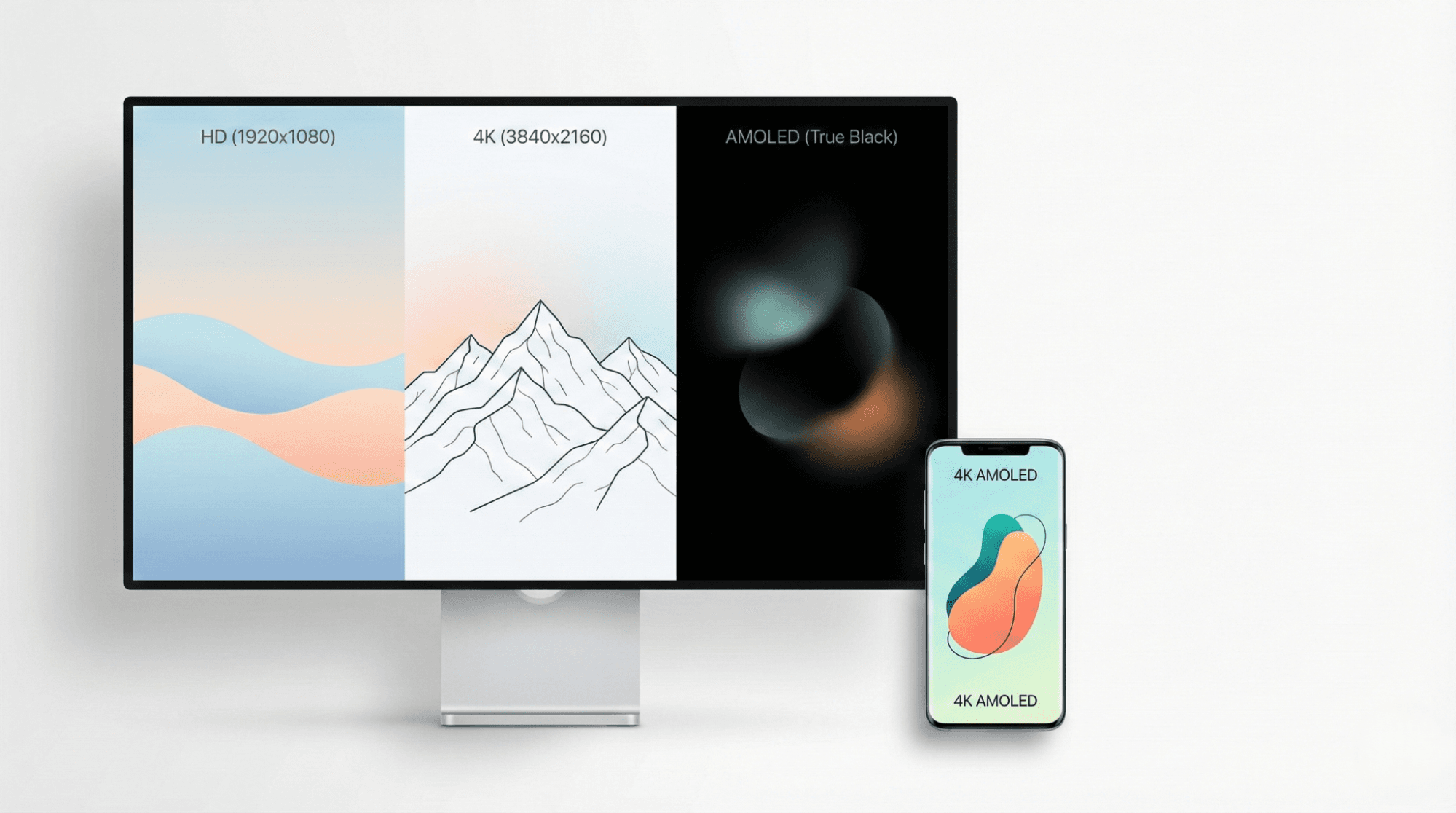
One of the most common ways we interact with graphics is through the wallpapers on our screens. Wallpapers are a specialized form of digital graphics where resolution is king.
- Resolution (HD vs. 4K): This refers to how many pixels are packed into the screen. Higher resolution means a sharper, more detailed graphic.
- AMOLED Graphics: These are designed with deep blacks to take advantage of OLED screens, which can turn off individual pixels to save battery life.
- Static vs. Dynamic: While static wallpapers are single images, dynamic visuals (live wallpapers) use motion graphics to bring a screen to life.
For those looking for high-quality assets, exploring The Digital Sorcery Behind Your Screen: A Definitive Guide to Computer Graphics can help you understand the tech that makes these visuals pop.
Usability & Visual Experience
High-quality graphics aren't just for show; they serve a functional purpose.
- Readability: Clean graphics and proper spacing prevent eye strain.
- Productivity: A well-organized visual interface helps you find what you need faster.
- Battery Efficiency: On modern devices, "Dark Mode" graphics (which use less light) can significantly extend your battery life.
FAQs: Your Graphics Questions Answered
What is graphics in simple words?
Graphics are any visual elements used to represent information or art. This includes photos, drawings, logos, charts, and animations.
What are some common examples of graphics?
Common examples include the app icons on your phone, the logo of your favorite brand, a weather map on the news, and the characters in a video game.
What is the difference between graphics and images?
An image is usually a representation of a person or thing (like a photo). Graphics is a broader term that includes images but also includes custom-designed elements like typography, shapes, and layouts.
What is computer graphics?
Computer graphics refers to the use of computers to create, manipulate, and display images and videos. It is the technology behind everything you see on a digital screen.
Why are graphics important in digital media?
They make information easier to understand, keep users engaged, and help establish a professional "look and feel" for apps, websites, and social media.
What are the 4 main types of graphics?
The four primary types are Raster (pixel-based), Vector (math-based), 3D (three-dimensional), and Motion (animated).
Conclusion
In simple terms, graphics are the visual soul of the digital world. They transform cold data and abstract ideas into something we can see, feel, and understand. From the raster graphics in your family photos to the vector graphics in a company logo, these visuals shape how we experience the world around us.
As technology continues to evolve toward more immersive 3D and AI-driven content, understanding the basics of graphics will help you communicate more effectively and appreciate the digital artistry that fills your screen every day. Whether you're choosing a 4K wallpaper or designing a presentation, remember that every pixel tells a story.
@All assets in this blog are sourced from Wallpezia